1
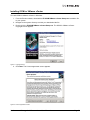
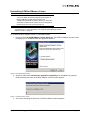
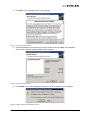
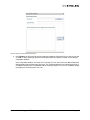
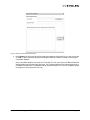
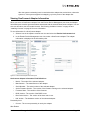
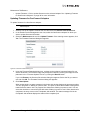
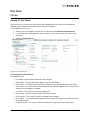
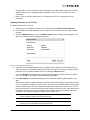
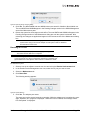
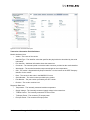
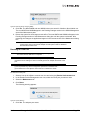
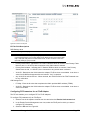
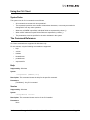
4. Click Next. The License agreement screen appears.
Figure 17: License agreement screen
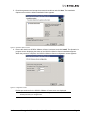
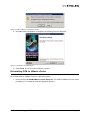
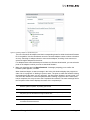
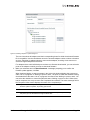
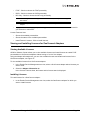
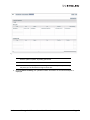
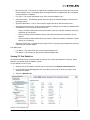
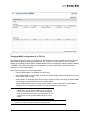
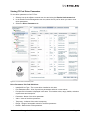
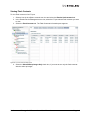
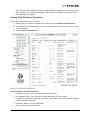
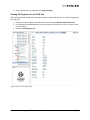
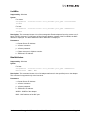
5. Read the agreement and accept the terms and conditions and click Next. The Installation
options screen with the default installation folder appears.
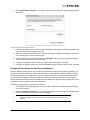
Figure 18: Installation options screen
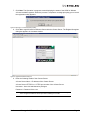
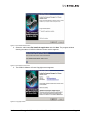
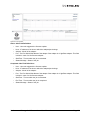
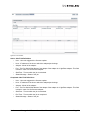
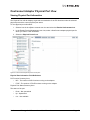
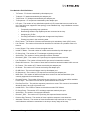
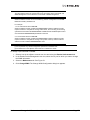
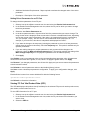
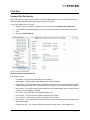
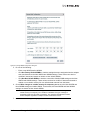
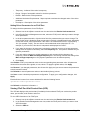
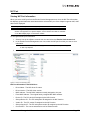
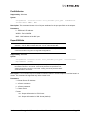
6. Click Install. The screen indicating the detection of OCM for VMware vCenter appears.
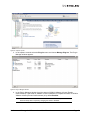
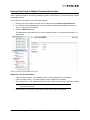
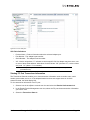
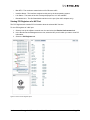
Figure 19: OCM for VMware vCenter Detected screen
OneCommand Manager for VMware vCenter User Manual
Page 15