1
Administrator Tasks
Photo ID Express 2.4
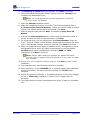
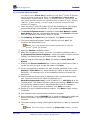
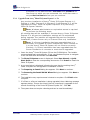
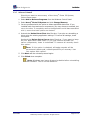
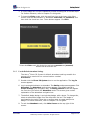
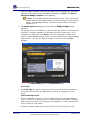
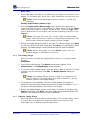
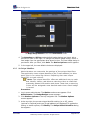
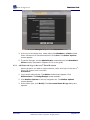
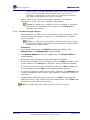
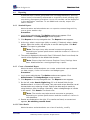
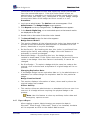
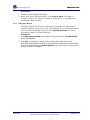
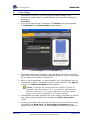
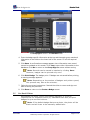
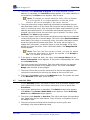
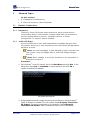
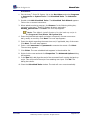
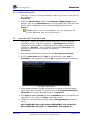
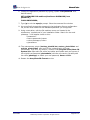
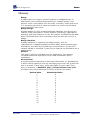
The System Options screen in the Administrator mode.
3. At the top left, users and their access levels (Administrator or Attendant)
are listed.
Note: At least one administrator account must always exist.
Once removed, a user account cannot be recovered.
•
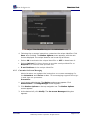
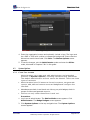
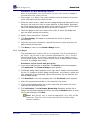
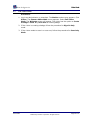
To create a new user, click New. The User Accounts dialog box
appears. Enter the username, select the access level and type the
password twice. The username must be between 4 and 100 characters
with no spaces. The password must be 4-10 characters long. Click
Save to add the user. The User Accounts dialog box closes and the
new account is saved.
•
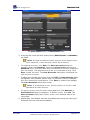
To edit a user, click the user’s name, then click Edit. The User Accounts dialog
box appears. The username, access level or password can be changed,
with the constraints listed above. Click Save to submit the changes.
The User Accounts dialog box closes.
Note: If a password is lost, the only option is to set a new
password for that account.
•
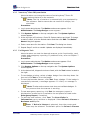
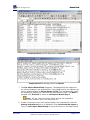
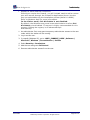
To remove a user, click the user’s name and then click Remove. A
Confirmation dialog box appears. To delete a user, click Yes. The
User Accounts dialog box closes. A user once deleted cannot be
recovered.
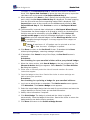
4. Repeat Step 3 as needed. Use new and edited users during the next log-in.
Removed users are removed immediately.
User Guide
©2009 Avery Dennison Corporation. All rights reserved.
Page 30 of 82