1
Administrator Tasks
Photo ID Express 2.4
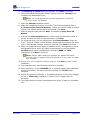
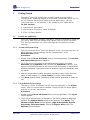
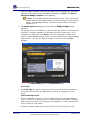
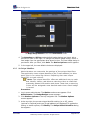
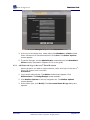
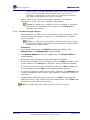
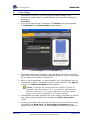
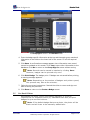
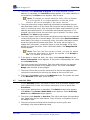
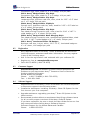
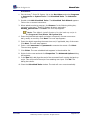
The On-screen Name & Logo dialog box in the Administrator mode.
4. Enter the organization’s name and optionally include a logo. The logo must
be a SWF or JPEG with a white or transparent background. Ensure that the
dimensions match those listed. Click Save. The Station Options screen
appears.
5. To see the changes, exit the Administrator mode and enter the Visitor
mode, discussed in Chapters 5 & 6 in this guide.
4.3
System Options
4.3.1
Create User Accounts
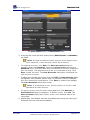
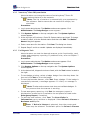
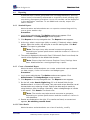
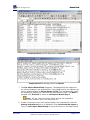
Administrators can create and edit administrator and attendant
accounts in System Options, including usernames and passwords.
The default administrator account cannot be deleted. There are three
types of accounts:
•
Administrators have full access to the entire system, can generate
reports, add, edit and remove users and badges and configure the
interface.
•
Attendants can check-in and check-out visitors, pre-print badges, check-in
groups of visitors and generate reports.
•
Visitors can only check themselves in and out.
Procedure
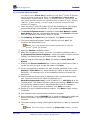
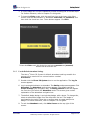
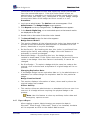
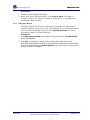
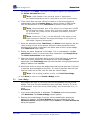
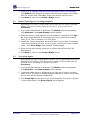
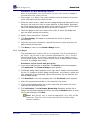
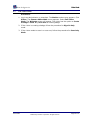
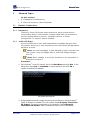
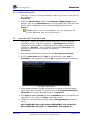
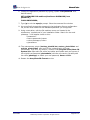
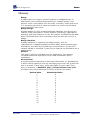
1. Log-in as an administrator. The Station Mode screen appears. Click
Administrator. The Badge Designs screen appears.
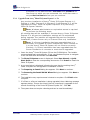
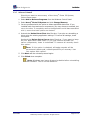
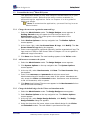
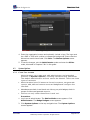
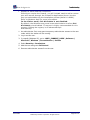
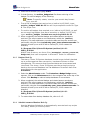
2. Click System Options on the top navigation bar. The System Options
screen appears.
User Guide
©2009 Avery Dennison Corporation. All rights reserved.
Page 29 of 82