1
5. Semi-permanent Data
VIDECOM
VRS System Administration
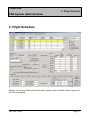
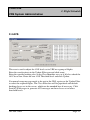
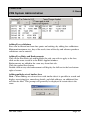
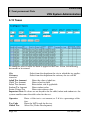
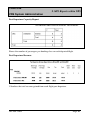
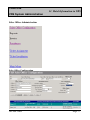
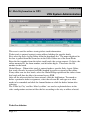
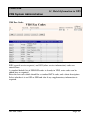
To amend currency information, first select it by clicking on the select field. The
row will be highlighted in yellow and the details will appear in the boxes above.
Change the data by over-typing the information in the relevant box. Remember to
reset Rounding Except to 0.0.
To delete a currency, click the select field corresponding with the field. This will
highlight the row, then click the delete button.
Uploading Exchange Rate
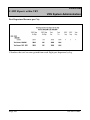
After entering the exchange rate, in order for it to take effect, type
ZRATES/FARES in the host entries area of the main screen and press the enter
key. This will upload the new exchange rate and update any fares or taxes that
have been filled in a different currency other than the sale currency.
Important Note – Exchange rates must be regularly updated to ensure accurate
pricing
5.3 Countries
Before starting a new route, it is important that the details about that country are
entered in the system.
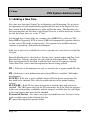
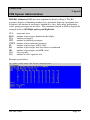
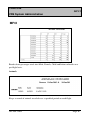
To configure a country’s details in the system, enter the following:
Code
this is the 2 letter IATA country code
Name
name of country
Currency select currency code from drop down menu. If currency does not
appear in drop down then check to see if its is configured in the
Page: 32
JAUL0113404