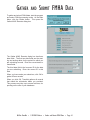
1
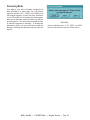
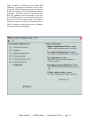
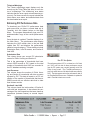
When the process is complete, a dialog box opens
that informs you that the program will generate a
submission list of tenants. Click OK to continue.
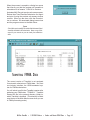
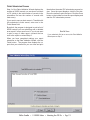
A standard WinTen print preview sub-screen opens.
Review the eTrans Records Submission List report
and print it using the preview sub-screens toolbar
controls. When you are done, click the Close button to continue. All associated dialog boxes close
and the program returns to the Main Menu.
CAUTION
Check this report carefully. Be certain that the tenants listed
should be included in this submission. Keep a copy of this
report for your records so you can track your submission
data.
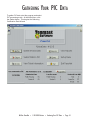
SUBMITTING FMHA DATA
The current version of TransNet is not equipped
for automatic submission of FMHA data. You must
use Industry Interface, the USDA-mandated system for FMHA submissions.
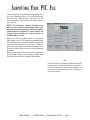
You will submit one file that TransNet creates after
gathering your FMHA data: “TRANS.fil.” TransNet
creates this file in the network directory (folder) in
which TransNet is installed. (This directory is listed
near the top of the Main Menu screen when you are
in FMHA processing mode.)
WinTen TransNet • 1/18/2005 Edition • Gather and Submit FMHA Data • Page 6-2