1
Maintain Notes Sub-Screen
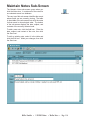
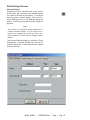
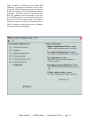
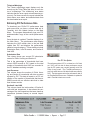
The Maintain Notes sub-screen opens when you
click the Notes icon. It contains all of the notes for
one selected record in a database.
Notes icon
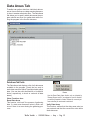
The very top of this sub-screen identifies the record
whose notes you are currently viewing. The table
in the middle of the sub-screen lists all of the notes
for that record in chronological order. The bottom
of the sub-screen displays the date, subject, and
contents of the currently selected note.
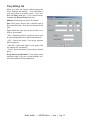
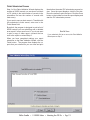
To add a new note, click the Add icon. Enter the
date, subject, and content of the note, then click
the Save icon.
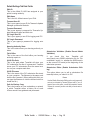
To edit an existing note, select it in the table and
click the Edit icon. Make your changes, then click
the Save icon.
WinTen TransNet • 1/18/2005 Edition • WinTen Basics • Page 1-16