1
PTZ
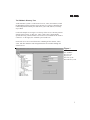
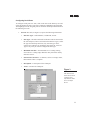
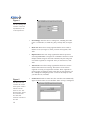
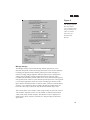
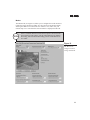
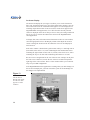
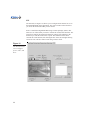
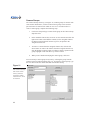
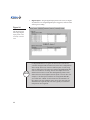
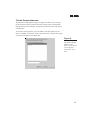
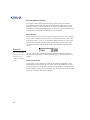
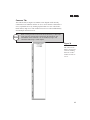
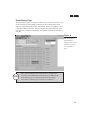
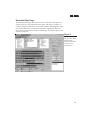
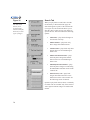
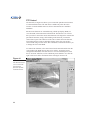
The PTZ tab (see Figure 16) allows you to configure PTZ cameras for use in
the DigitalSENTRY client application. The video window on the tab allows
you to test the PTZ functionality for the camera.
PTZ is controlled in DigitalSENTRY using a heads-up display (HUD). The
HUD is a set of boxes that you click to control the various PTZ functions. The
largest box controls the pan and tilt functions; simply click and drag in the
direction you want the camera lens to point. The small box in the center
controls the zoom function; left-clicking the box zooms in and right-clicking
zooms out. You can also control zoom using a mouse wheel.
Figure 16
The PTZ tab allows
you to configure
presets, tours, and
more.
32