1
WiFi
In order to easily configure the wireless setting for housemate®, you will need a laptop
or a USB wireless adapter for your desktop.
Install the housemate® device as described in the installation manual and wait until
the power button is solid green. As soon as you hear the greeting message the device is
ready for initial configuration.
Note: Initial device boot up may take several minutes to complete.
Next step is to set the housemate® device as a point of connection in order for the
Configuration tool to transmit the initial settings (this process is necessary for WiFi
Configuration only, you will only have to redo this process if you change the
wireless settings).
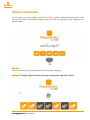
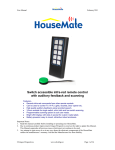
In order to set the housemate® device as a point of connection you have to tap
the green power button 5 times within 8 seconds.
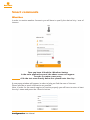
If the above process is done correctly, you will see the flashing green power led.
At the same time, the WiFi led will turn red, as well as the notification led.
At this point you will have to wait while the housemate device is setting up the adHoc
network.
Note: This step may take several seconds.
Once the network is ready for your PC to connect, the notification led will turn off and
the WiFi led will turn green. The flashing green power led will continue to flash until the
end of the configuration process.
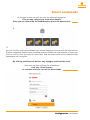
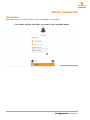
At this point, you will have to manually connect to the housemate network.
Simply open the (add name of windows wifi settings)
and click on the network «housemateAP».
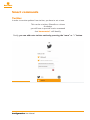
Once you are connected,
you can continue with the WiFi setup described below.
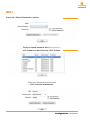
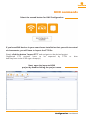
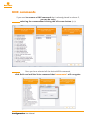
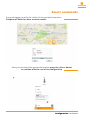
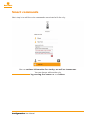
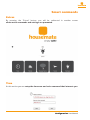
Select the first button for WiFi Configuration
Configuration User Manual