1
Configuratio
on
server 02
Server Setu
up
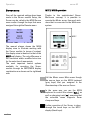
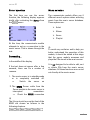
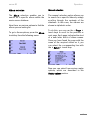
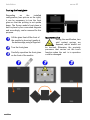
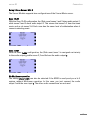
Auto Play function
unction is called byy selecting
The Setup fu
the Server source
s
and then preessing the
button on the front of the M100
A
this,
basis for about 2 seconds. After
select the Source touch key.
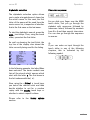
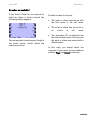
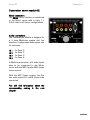
Throough the Auto Playy function, you cann
seleect whether the S
Server should startt
playying immediately if it is selected from
m
the source menu [Auttoplay On] or onlyy
oncee there has beenn an explicit startt
com
mmand [Autoplay Offf].
You make your selectioon through the Autoo
Playy softkey. By repeated pressing of thee
key,, you can toggle bettween On and Off.
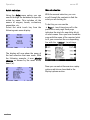
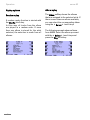
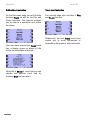
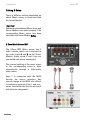
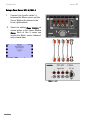
Zone assignment
The audio outputs of the (side room)
zones are assigned through the Zone
assignment.. In Multiroom operration, this
assignment defines whether a zone has
cess to the Music server or
its own acc
whether several
s
zones haave joint
access.
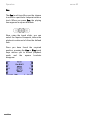
gn
which
zonnes
the
You
assig
Communicatte Module should serve
s
with
the Zone tou
uch key.
L
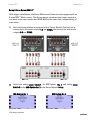
d an exact descripttion of the
You will find
cabling and the Setup settings in chapter
Appendix.
19
Activating the Auto Play function inn
Multtiroom operation is particularlyy
advaantageous, as you ccan start the serverr
playying with a single key press on a wall-mouunted remote controol.