1
ELID EsofWIN
Operation Manual
12.1
ON-LINE SCANNING
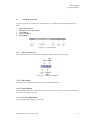
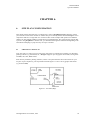
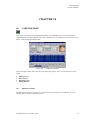
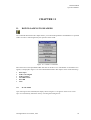
This command consist of the following components:•
•
•
•
Scan Readers
On-line Scanning
On-line Printing
Buzzer On Alarm
12.1.1
Scan Readers
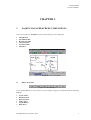
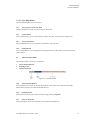
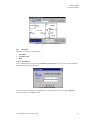
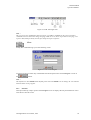
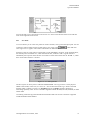
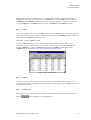
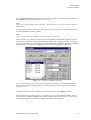
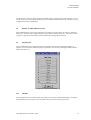
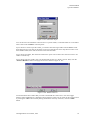
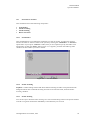
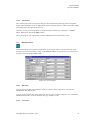
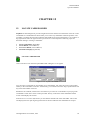
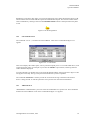
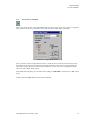
This command allows you to define the readers that you wish to monitor .You have the option to
monitor all readers or selective readers in the system by selecting the “All Readers” or “Selective”
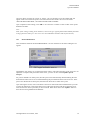
option button. If you opt for “Selective” readers, then you are required to specify the readers to be
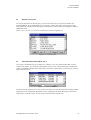
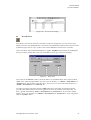
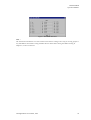
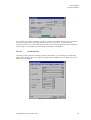
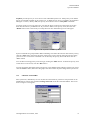
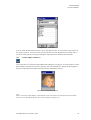
monitored by clicking the “Select” button. Figure 12.1.1 appears, just check the reader tag name
checkbox for those readers you wish to monitor.
Figure 12.1.1 : Selective Readers.
12.1.2
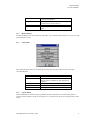
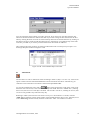
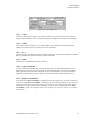
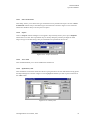
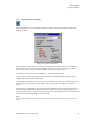
On-line Scanning
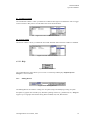
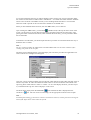
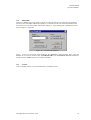
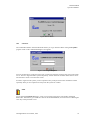
EsofWIN is a multi-tasking software that allows Online Scanning of readers to be performed in the
background while other commands are being executed. To activate this mode, check the Online
Scanning checkbox.
12.1.3
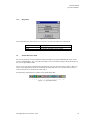
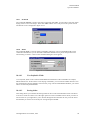
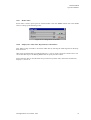
On-line Printing
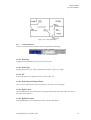
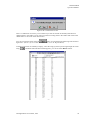
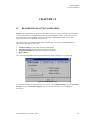
You can also opt to check the Online Printing box. The On-line Printing will force the printer attached
to the PC to log down transactions immediately as and when they are received.
All Rights Reserved © ELID, 1996
69