1
ELID EsofWIN
Operation Manual
•
Now you should remove the EsofWIN diskette for safekeeping.
2.2.2
Installing EsofWIN in Windows 95
If you are using Windows 95, do the following :
•
•
•
•
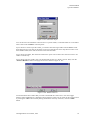
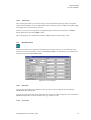
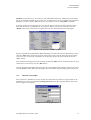
Insert the disk labeled EsofWIN Installation - Disk 1 in the floppy drive.
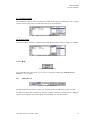
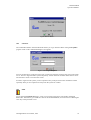
Click Start Button then Click Run.
Type x:setup where x is the letter representing your disk drive.
Follow the instructions on the screen.
Note :
If you are using a virus protection program on your computer, override it or turn it off before you run
the Installation program. Installation Program might not run properly with virus protection turned on.
After installing EsofWIN, make sure to restart your virus protection program.
2.2.3
PC CONNECTION
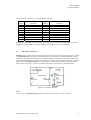
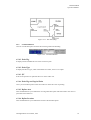
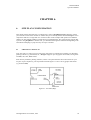
System hardware must be connected properly before you start running EsofWIN program. Reader
controllers from the field are connected to the PC via an EL7X Communicator. The EL7X
communicator is connected to a serial port (either COM1 or COM2) of the PC.
No prior serial port setting is necessarily as EsofWIN performs automatic detection of EL7X on
COM1 or COM2.
2.3
STARTING EsofWIN PROGRAM
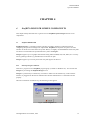
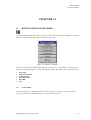
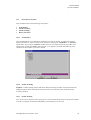
A EsofWIN program group is automatically created by the Installation Program after the installation
process.
2.3.1
START EsofWIN in Windows 3.x
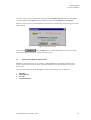
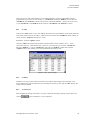
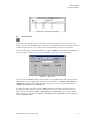
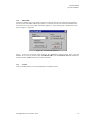
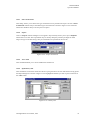
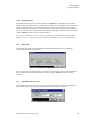
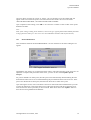
You start EsofWIN by choosing it from the Program Manager’s main group. If Program Manager is
not the active window, use Task List (press CTRL+ESC) to switch to it.
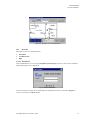
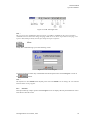
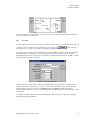
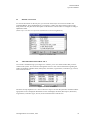
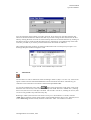
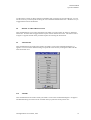
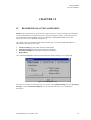
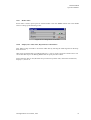
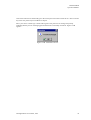
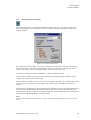
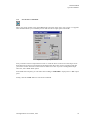
In Program Manager’s main group window, double click the EsofWIN Group Icon to bring up the
EsofWIN window. Then, double click the EsofWIN icon to start the software.
All Rights Reserved © ELID, 1996
4