1
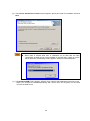
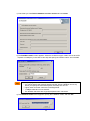
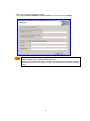
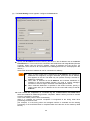
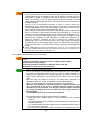
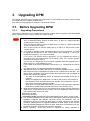
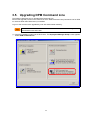
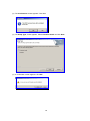
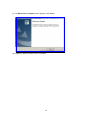
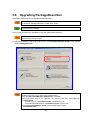
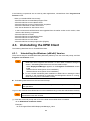
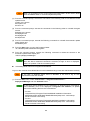
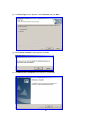
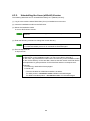
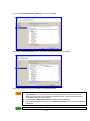
If the managed machine was started by scenario execution from a power OFF state, automatic upgrading is not performed. Automatic upgrading is treated as scenario execution, and thus the execution results appear on the Scenario Execution Result List screen. When the firewall service on the managed machine is set as automatic start, all ports are closed from the start of managed machines to the start of the firewall service regardless of that the firewall function is enabled or disabled. (Automatic upgrade of DPM Client fails.) In this case, upgrade by scenario, seeing Section 3.3.2, "Manually Upgrading the DPM Client." After automatic upgrade execution, the service of DPM Client is restarted after ten to twenty seconds. If you execute another scenario during this scenario, a scenario execution error may occur. This procedure is for upgrading DPM Client to the current version. The procedure cannot be used to install DPM Client newly on a managed machine in which DPM Client is not installed. The following log is sometimes outputted to the event log of DPM Server: depssvc: Agent Upgrade Error MAC : Sts = (MAC address) This log means that it failed to install DPM Client automatically on the displayed managed machine for some reason. If this happens, execute the scenario for upgrading DPM Client. If it is difficult to restart the managed machine on which DPM Client is installed, restart the following services. Automatic upgrading can be performed. ・ DPM Client(Windows) - DeploymentManager Remote Update Service Client ・ DPM Client(Linux) - Depagt When either of the services below is running, the port and program required for DPM Client will open automatically. (For details on the opened port and program, see Appendix D, "Network Port and Protocol List" in Reference Guide). •Windows Firewall/Internet Connection Sharing (ICS) •Windows Firewall 69