1
UM1590
2.1.1
Running the demonstration
Demonstration startup
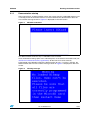
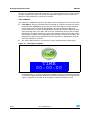
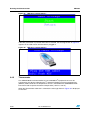
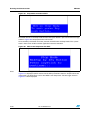
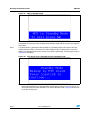
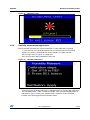
After a board reset, at demonstration startup, the system checks if a MicroSD memory card
is already present in connector CN16. If no card is detected, the demonstration does not
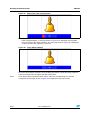
start and the message shown in Figure 3 is displayed on the LCD screen.
Figure 3.
MicroSD card check
The demonstration continues only if a MicroSD card is inserted.
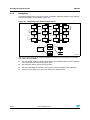
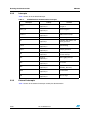
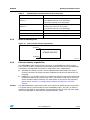
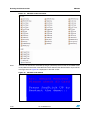
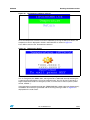
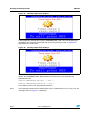
Then, the demonstration graphic icons and bitmap files are checked in the icroSD card (see
Section 2.3.5: External memory organization). All the icons have to be correctly
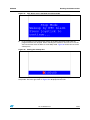
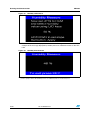
programmed in the MicroSD card for the demonstration to start. If an icon is missing, the
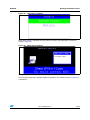
demonstration does not start and the message shown in Figure 4 is displayed on the LCD
screen.
Figure 4.
Warning message
Doc ID 023892 Rev 1
13/65