1
88
LogTag Analyzer User Guide
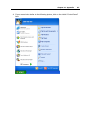
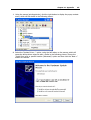
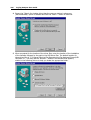
4 If your menu looks similar to the following picture, the "Control Panel" item is located
within the "Settings" menu item.
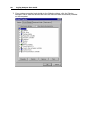
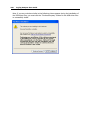
5 Within the "Control Panel" window there is a "System" icon. For Windows XP users,
you may need to "Switch to Classic View" to locate the "System" icon quickly. Start
(open) the "System" icon once you have located it.