1
How To....
•
•
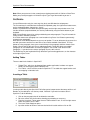
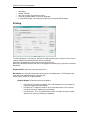
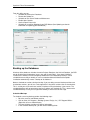
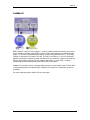
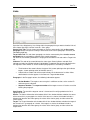
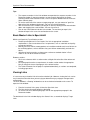
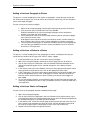
You can create a number of groups, but are limited to having 5 sections open at the
same time.
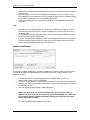
To move a section from one group to the next, right click on it and choose Move to
Previous Tab Group or Move to Next Tab Group.
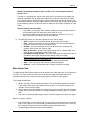
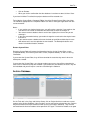
NOTE: To open a second instance of the same section within the same project, click on the View
tab, Windows group and choose New Window.
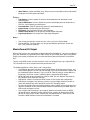
Opening Two Projects at the Same Time
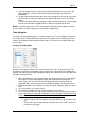
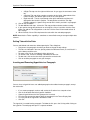
To open two different projects at the same time, you must start another instance of the software.
Once the second instance of the software has been started, you can open a second project. You
cannot open the same project in two different instances of SpecLink-E. If you need to do that, use
New Window instead.
55