1
Transas Pilot PRO. User Manual
Version 2.0.3, January 2015
www.transaspilot.com
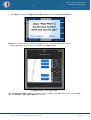
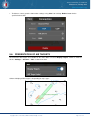
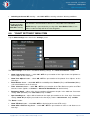
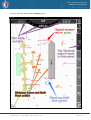
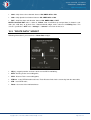
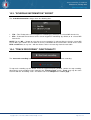
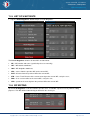
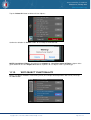
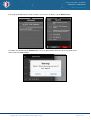
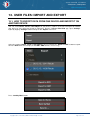
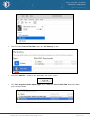
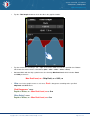
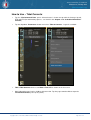
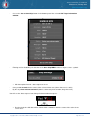
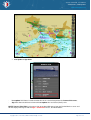
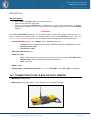
• To delete all routes tap the “Delete All” button.
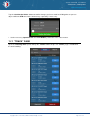
Tap the “Delete” button to confirm the deletion. All routes will be deleted.
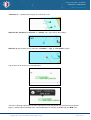
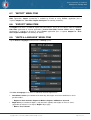
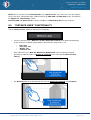
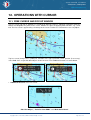
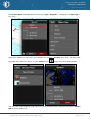
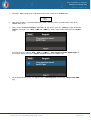
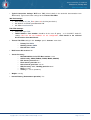
• Select any route in the list and tap the “Copy” button. Selected route will be copied in the list of routes:
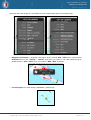
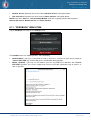
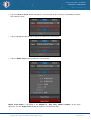
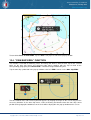
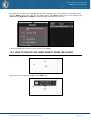
• Tap the “Export All” button to export all routes to another devices using Mail, ITunes and specified
export format: GPX, KML or KMZ. Export functionality is described in the Chapter 13. “User Files:
Import & Export”.
Copyright © 2010 - 2015 Transas Marine Limited. All rights reserved.
Page 52 of 114