1
Transas Pilot PRO. User Manual
Version 2.0.3, January 2015
www.transaspilot.com
The
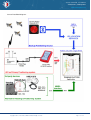
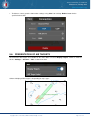
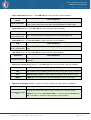
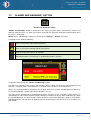
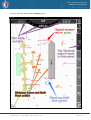
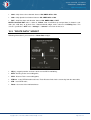
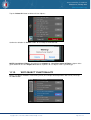
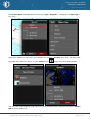
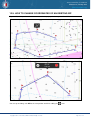
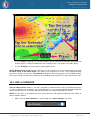
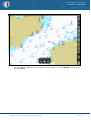
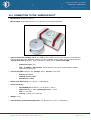
icon is intended for switching of the Own Ship ERBL into “movable” mode - for detection of
the dangerous target by its bearing value, if necessary. As the cursor “reference” point moves on the chart
with the Ownship position, values of bearing and distance from the own ship position to the cursor
“reference” point will be constant in the pop-up window and ERBL “reference” point is not linked to
geographic coordinates in this mode:
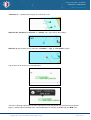
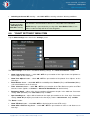
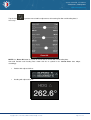
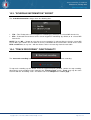
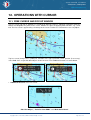
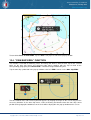
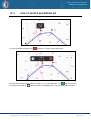
Tap the own ship symbol and in the pop-up window re-select the green- colored “ERBL” icon to turn off the
Own Ship ERBL. Alternatively, tap the “Done” icon (v) in pop-up ERBL data window at the ERBL
“reference” point.
12.5. “MAKE GOTO ROUTE” FUNCTION
The function is intended for creation of the Quick GoTo route, which is automatically appears in the
monitoring and in the List of Routes.
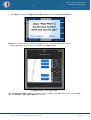
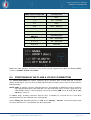
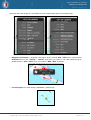
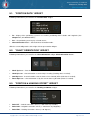
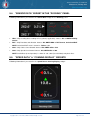
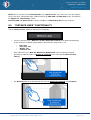
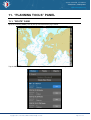
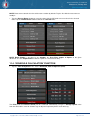
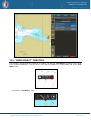
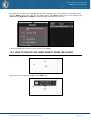
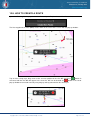
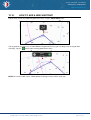
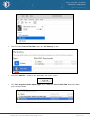
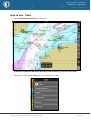
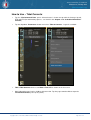
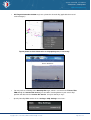
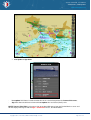
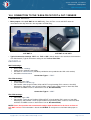
Position the free cursor on the necessary point in the Chart Layer. Tap the cursor, in the pop-up window
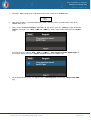
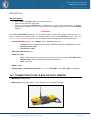
use “arrow” button and select “GoTo” icon:
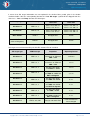
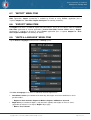
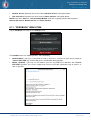
Free cursor. “GoTo” route icon.
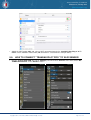
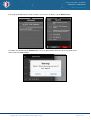
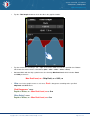
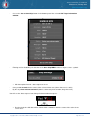
The “GoTo” route will be created automatically, stored in the List of Routes and loaded into Monitoring!
Copyright © 2010 - 2015 Transas Marine Limited. All rights reserved.
Page 69 of 114