1
Transas Pilot PRO. User Manual
Version 2.0.3, January 2015
www.transaspilot.com
12. OPERATIONS WITH CURSOR
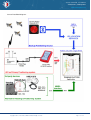
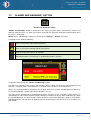
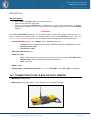
12.1. FREE CURSOR AND POP-UP WINDOW
The free cursor and pop-up windows are intended for different purposes: obtaining information about the
latitude and longitude of a point on the screen, indicates the place of applying other functions, e.g., Chart
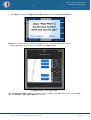
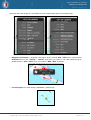
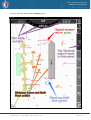
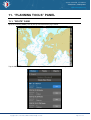
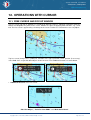
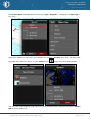
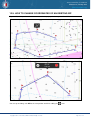
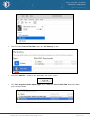
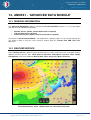
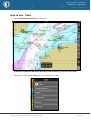
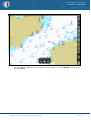
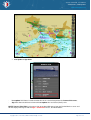
Info. The free cursor is appeared by a short tap on the screen. Put the free cursor on the necessary object:
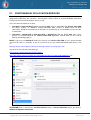
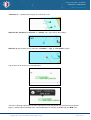
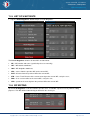
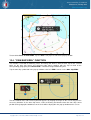
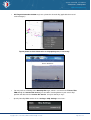
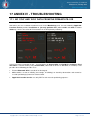
Tap free cursor (orange cross symbol) for activation of the pop-up window, check position (if necessary),
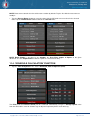
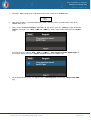
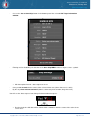
select “Info” icon – to get info about objects under cursor or select additional functions via arrow button.
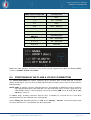
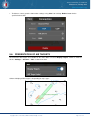
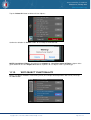
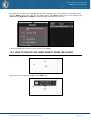
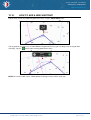
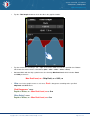
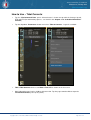
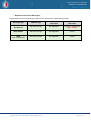
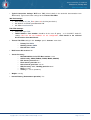
• Additional functions of the free cursor:
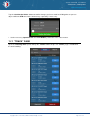
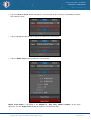
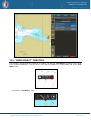
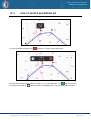
“Plot User Object”, “Point-To-Point ERBL” and “Make GoTo Route”
Copyright © 2010 - 2015 Transas Marine Limited. All rights reserved.
Page 65 of 114