1
Reference
Running a Mask Test
Overview
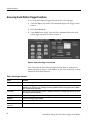
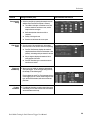
To start and stop mask tests, do the following procedure.
Running a mask test
Prerequisites 1.
Start the mask 2.
pass/fail test
3.
Control elements and resources
You must have set up the instrument to perform mask
testing as described in Mask Test Setup on page 12.
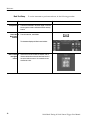
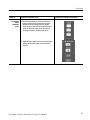
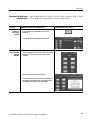
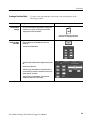
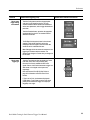
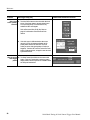
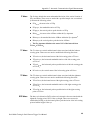
From the button bar, touch Masks and select the
Pass/Fail Results tab. The instrument opens the
Pass/Fail Results control window.
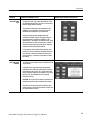
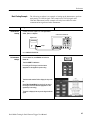
Touch the Pass/Fail Test On/Off button to turn on mask
pass/fail testing. You can touch Reset prior to running
tests to clear the Pass/Fail Test Summary fields.
You can also use the Pass/Fail Test button in the
Pass/Fail Setup control window.
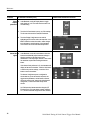
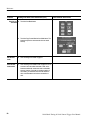
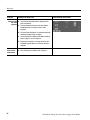
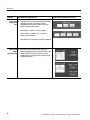
The instrument begins mask testing and displays the
test summary information in the Pass/Fail Test Summary
fields. If a mask has more than three segments, the
window displays a horizontal scroll bar below the Hits
per Segment field that lets you scroll the field to view
other segment hit data.
Stop the mask 4.
pass/fail test
18
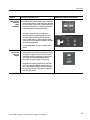
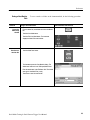
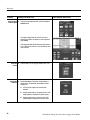
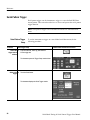
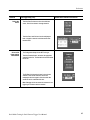
Touch the Pass/Fail test button to turn off mask pass/fail
testing. Testing will also stop when the testing meets the
parameters in the Pass/Fail Setup control window.
Serial Mask Testing & Serial Pattern Trigger User Manual