1
Reference
Creating a User Mask from
a Defined Mask
Overview
Refer to Mask Key Points on page 30 before creating or editing a mask. To create
a user mask from a defined mask, do the following procedure.
Creating a user mask from a defined mask
Access the 1.
mask setup
window
Control elements and resources
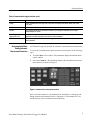
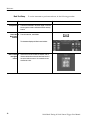
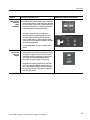
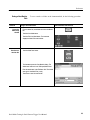
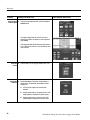
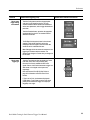
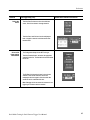
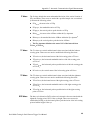
From the button bar, touch Masks and select the
Masks tab.
The instrument displays the Mask control window.
Select the mask 2.
type and
standard
3.
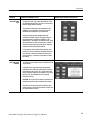
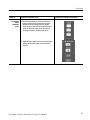
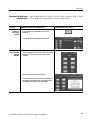
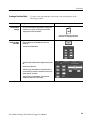
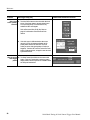
Touch the appropriate button in the Type field to select a
mask type. Touch the More button to display further
selections.
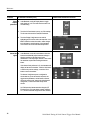
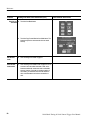
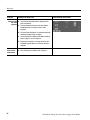
Select a standard from the drop-- down list.
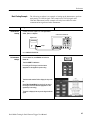
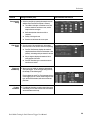
The control window lists mask types and standards that
are available on your instrument, which depend on the
bandwidth and configuration of your instrument.
Serial Mask Testing & Serial Pattern Trigger User Manual
19