1
Lockwelt 3000
PROGRAMMING
Activating and Deactivating Pocket Style Functions
Several machine functions may be activated or deactivated for a single pocket style.
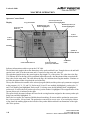
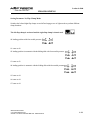
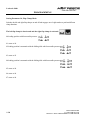
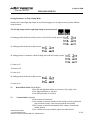
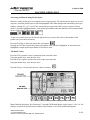
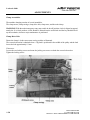
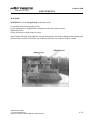
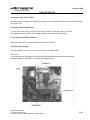
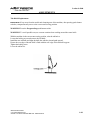
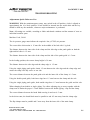
Using the left and right arrow keys, select (highlight) the pocket style number to change the condition of a
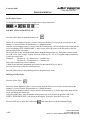
function, example: illustrated below, pocket style 32 is activated (highlighted), the six function icons inside
the box are assigned to pocket style 32.
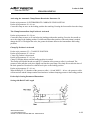
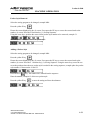
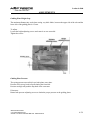
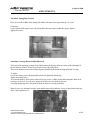
Press the Fl key to display the function icons across the bottom of the screen and above the function keys,
Fl through F8.
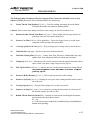
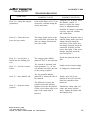
Press the function key, F2 through F8 located directly below the function icon you want to change. The
screen changes to the Standard Display, activated functions are shown highlighted in the box located in the
center of the display, deactivated function icons are not displayed.
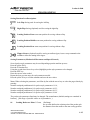
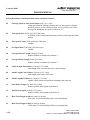
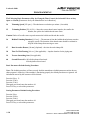
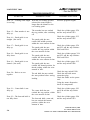
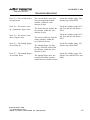
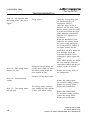
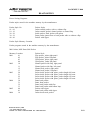
Sewing Function Icon Descriptions
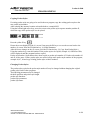
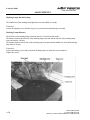
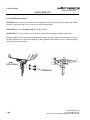
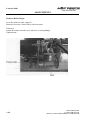
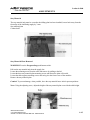
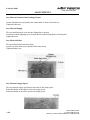
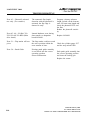
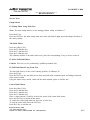
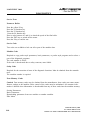
Center Knife cuts the pocket between the seams, if the center knife is deactivated, the tab
knives are automatically deactivated.
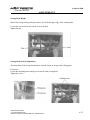
Tab Knives cut the pocket edges, if the center knife is deactivated, the tab knives are deactivated.
Released March 2001
U.S. Phone 800-237-3323
Outside U.S. Phone 1-804-559-5000 Fax 1-804-559-5210
1-23