1
Using The Scan Tool
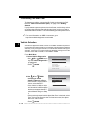
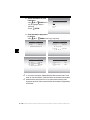
Display Test
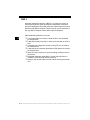
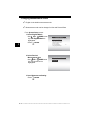
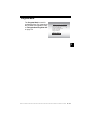
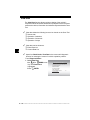
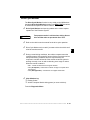
The Display Test is used to check the display.
✓
The test fills every pixel of the display with a solid black character.
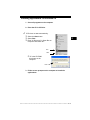
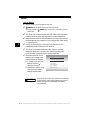
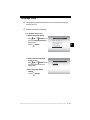
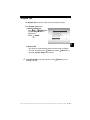
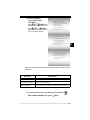
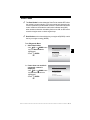
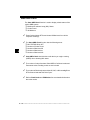
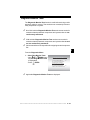
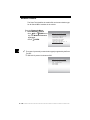
From System Setup menu:
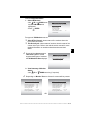
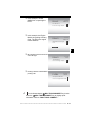
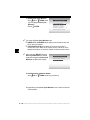
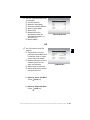
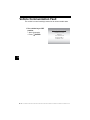
1.Select Display Test.
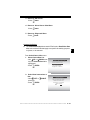
•Use
UP or
DOWN arrow
key until Display Test is
highlighted.
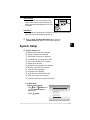
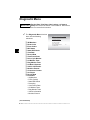
System Setup
=====================
Print Header
Language Setup
Long PID Names
Tool Information
Display Test
Keypad Test
3
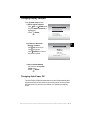
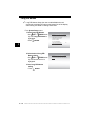
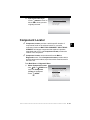
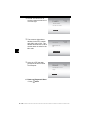
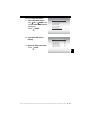
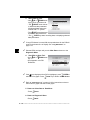
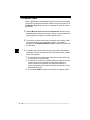
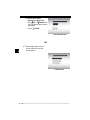
2. Start Display Test.
ENTER.
•Press
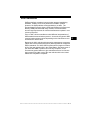
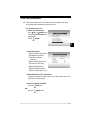
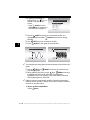
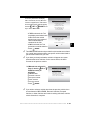
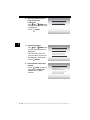
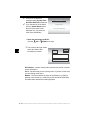
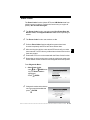
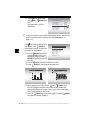
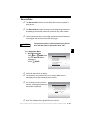
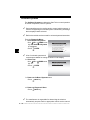
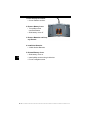
3. Look for Missing Spots.
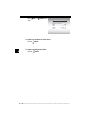
• All characters display are solid black if there are no bad spots.
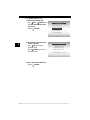
• Screen flips back and forth between screens shown below.
Display Test
=====================
Check for Missing
Spots in Display
Press BACK
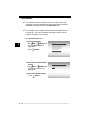
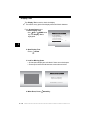
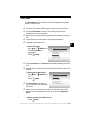
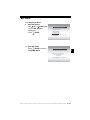
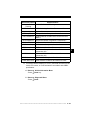
4. When Done, Press
to Exit
BACK Key.
3 – 14 • • • • • • • • • • • • • • • • • • • • • • • • • • • • • • • • • • • • • • • • • • • • • • • • • • • • • • •