1
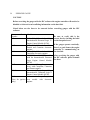
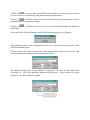
Click and drag
For EZ -Tech users this indicates tapping on the lower left -hand area of the touch pad
marked by a lock symbol and then using the main area of the touch pad to move the
mouse pointer.
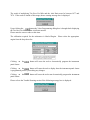
Hit
Indicates depressing and then releasing a key on the keyboard.
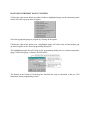
ALT
Indicates the action whereby the “Alt” key on the keyboard is depressed while another
key on the keyboard is hit.
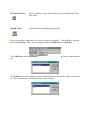
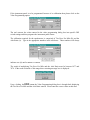
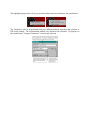
Scroll bar
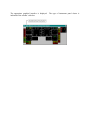
The horizontal-scroll bar
is normally at the bottom
of the window. Click on the left arrow button to scroll left. Click on the
right arrow button to scroll right. Click on the area to the left of the slider
to page left. Click on the area to the right of the slider to page right. Or
simply use the slider by clicking and dragging.
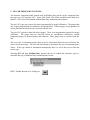
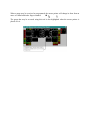
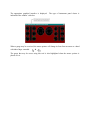
The vertical-scroll bar is normally at the right of the window. Click
on the up arrow button to scroll up. Click on the down arrow button
to scroll down. Click on the area to the top of the slider to page up.
Click on the area to the bottom of the slider to page down. Or simply
use the slider by clicking and dragging.