1
2.2
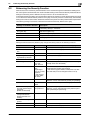
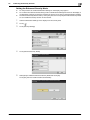
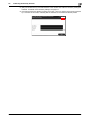
Enhancing the Security Function
2
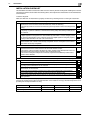
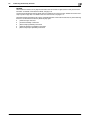
NOTICE
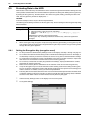
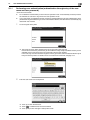
When Password Rules is set to [ON] the characters and the number of digits used for each password are
restricted. For details of the Password Rules, see page 1-9.
Turning ON the Enhanced Security Mode does not enable the ID & Print function. Enable the function manually to protect image files. For details of the ID & Print function, see page 2-11.
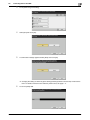
The Enhanced Security Mode is set to [OFF], if the Administrator of the machine executes any of the following
functions. Set the Enhanced Security Mode to [ON] again.
[HDD Format] is executed.
[Overwrite All Data] is executed.
[Restore All] of [Initialize] is executed.
[Network Settings] of [Initialize] is executed.
[Restore System] of [Initialize] is executed.
bizhub C3850/C3350
2-6