1
3.3
3.3
Change Password Function
3
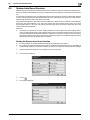
Change Password Function
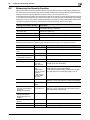
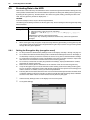
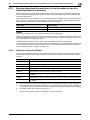
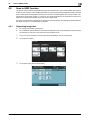
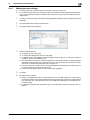
When [Device] is set for Authentication Method of User Authentication, the machine permits each of all users
who have been authenticated through User Authentication to change his or her User Password.
The User Password entered is displayed as "●."
Performing Change Password
0
0
0
0
0
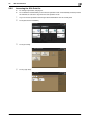
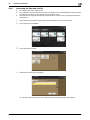
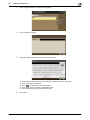
For the logon procedure, see page 3-2.
Do not leave the machine while you are in the user operation mode. If it is absolutely necessary to leave
the machine, be sure first to log off from the user operation mode.
Change the user password at regular intervals.
Make absolutely sure that nobody but you may know your user password.
Do not set any number that can easily be guessed from birthday, employee identification number, and
the like for the user password.
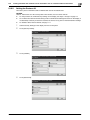
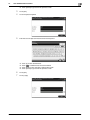
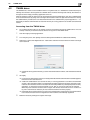
1
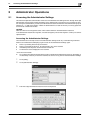
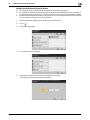
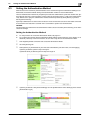
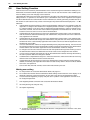
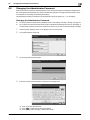
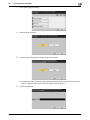
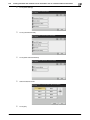
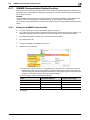
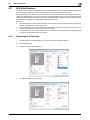
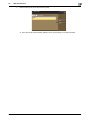
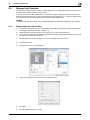
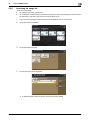
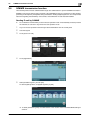
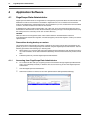
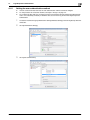
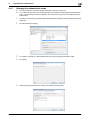
Log on to the user operation mode through User Authentication from the PageScope Web Connection.
2
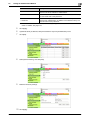
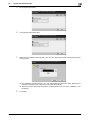
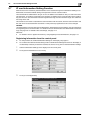
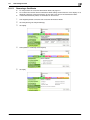
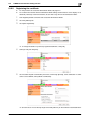
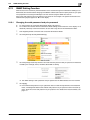
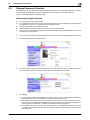
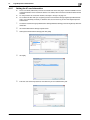
Click the [System] tab and [Authentication].
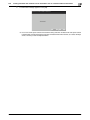
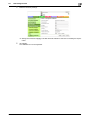
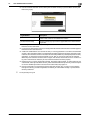
3
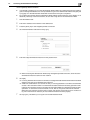
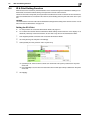
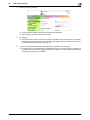
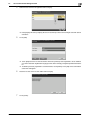
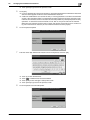
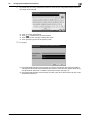
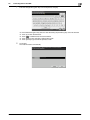
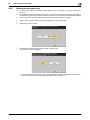
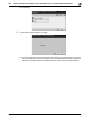
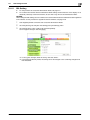
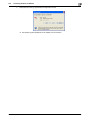
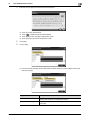
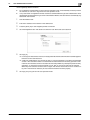
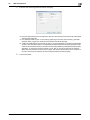
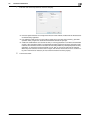
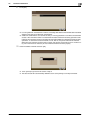
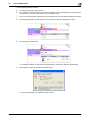
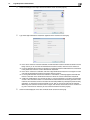
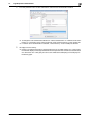
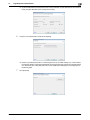
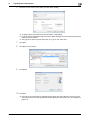
Enter the currently registered User Password and a new User Password. Then, to make sure that you
have entered the correct new password, enter the new User Password once again.
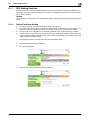
4
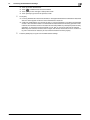
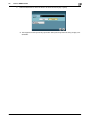
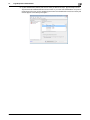
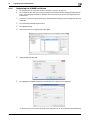
Click [Apply].
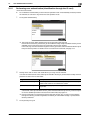
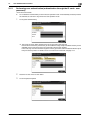
% If a wrong User Password is entered in the "Current Password" box, a message that tells that the
User Password does not match appears. Enter the correct User Password.
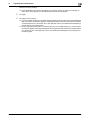
% If the entered User Password in the "New Password" box does not meet the requirements of the
Password Rules, a message that tells that the entered User Password cannot be used appears. Enter the correct User Password. For details of the Password Rules, see page 1-9.
% If the entered User Password in the "New Password" box and "Retype New Password" box does
not match, a message that tells that the User Password does not match appears. Enter the correct
User Password.
bizhub C3850/C3350
3-15