1
2.9
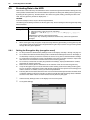
Protecting Data in the HDD
7
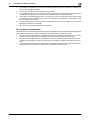
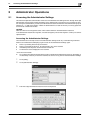
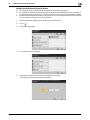
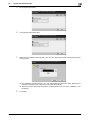
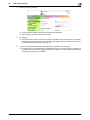
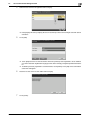
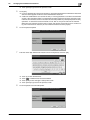
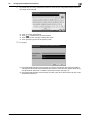
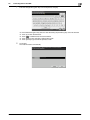
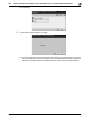
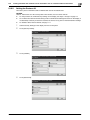
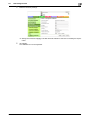
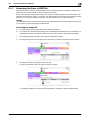
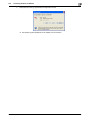
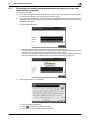
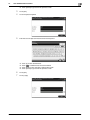
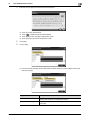
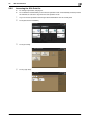
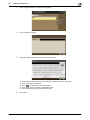
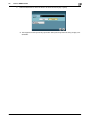
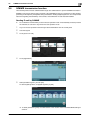
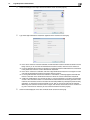
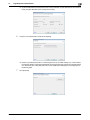
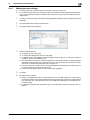
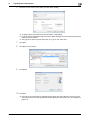
Enter the 20 digits Encryption Key from the keyboard, and [OK].
%
%
%
%
%
8
2
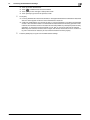
If the entered Encryption Key does not meet the setting requirements, [OK] cannot be touched.
Touch [C] to clear all characters.
Touch [
] to delete the last character entered.
Touch [Shift] to show the upper case/symbol screen.
Touch [Cancel] to go back to the previous screen.
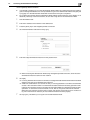
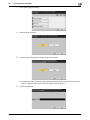
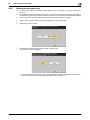
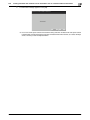
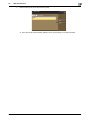
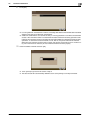
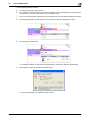
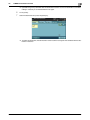
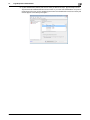
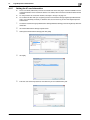
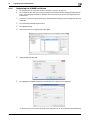
Touch [OK].
The machine restarts automatically.
bizhub C3850/C3350
2-23