1
2.8
2.8
Changing the Administrator Password
2
Changing the Administrator Password
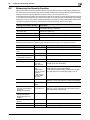
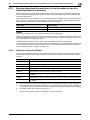
When access to the machine by the Administrator of the machine through the Administrator Settings from
the control panel is authenticated, the machine enables the operation of changing the Administrator Password required for accessing the Administrator Settings.
The Administrator Password entered for the authentication purpose appears as "*" on the display.
Changing the Administrator Password
0
0
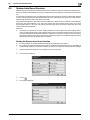
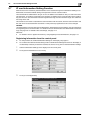
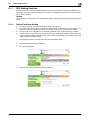
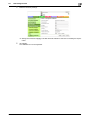
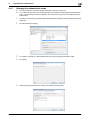
For the procedure to call the Security Settings screen on the display, see steps 1 through 3 of page 2-7.
Do not leave the machine with the setting screen of Administrator Settings left shown on the display. If
it is absolutely necessary to leave the machine, be sure first to log off from the Administrator Settings.
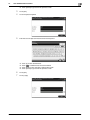
1
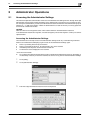
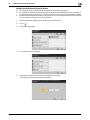
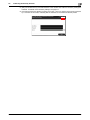
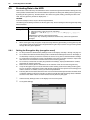
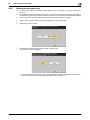
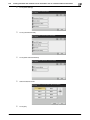
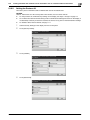
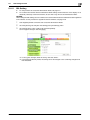
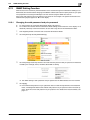
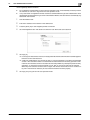
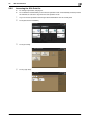
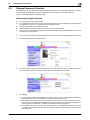
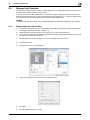
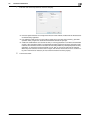
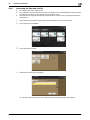
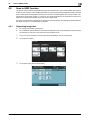
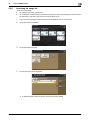
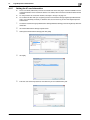
Call the Security Settings screen on the display from the control panel.
2
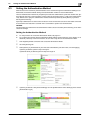
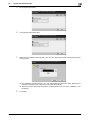
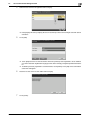
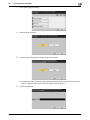
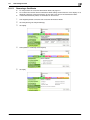
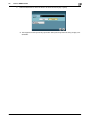
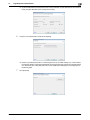
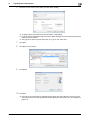
Touch [Administrator Password].
3
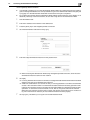
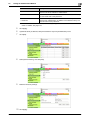
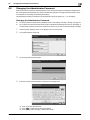
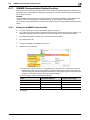
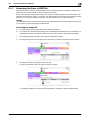
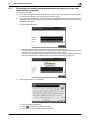
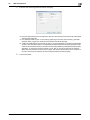
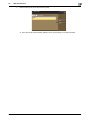
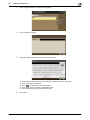
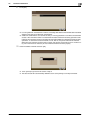
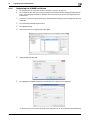
Touch the [Current Password] field.
4
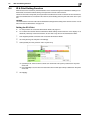
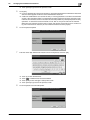
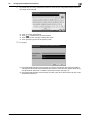
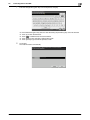
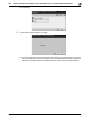
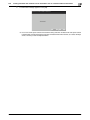
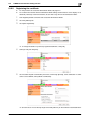
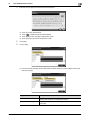
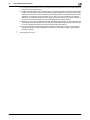
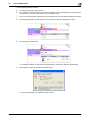
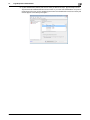
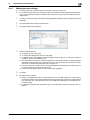
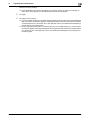
Enter the currently set Administrator Password from the keyboard.
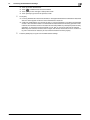
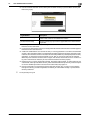
% Touch [C] to clear all characters.
% Touch [
] to delete the last character entered.
% Touch [Shift] to show the upper case/symbol screen.
bizhub C3850/C3350
2-18