1
Mitel NuPoint Messenger Technical Documentation - Release 7.0
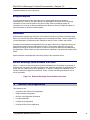
For paging you also need:
•
The post-pager number (used with display pagers). Once the server has reached the pager
number and the call is answered, it then sends the post-pager number to be displayed on the
pager.
•
The busy pager attempts (the number of times that the server attempts to notify the user of
an unplayed message when it receives a busy tone on the last page attempt)
•
The busy pager interval (the number of minutes the server waits between repages when it
receives a busy tone on the last page attempt)
Pager Application Worksheets
Use the combined information from three worksheets to organize data for configuring a Pager
application: the NuPoint Voice (or DID NuPoint Voice) Application Worksheet, the Mailbox
Individual Worksheet, and the Outdial Line Group Worksheet.
•
The NuPoint Voice (or DID NuPoint Voice) Application Worksheet you completed for the
NuPoint Voice or DID NuPoint Voice application contains information applicable to message
delivery and call placement.
•
If you are including message delivery in this application, you set all parameters in the Other
Pager Features Menu to the same settings as the primary application that is configured on
your server. For example, if the NuPoint Voice application is used for processing most calls
on your server, copy the entries from the NuPoint Voice Worksheet into the Other Pager
Features Menu. (The primary application could be NuPoint Voice, or one of the integrations,
such as SL-1/IVMS, NEC 2400, Intecom, ITT, or Centrex.)
•
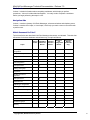
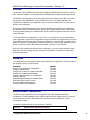
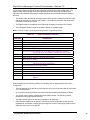
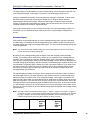
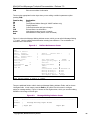
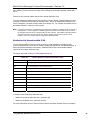
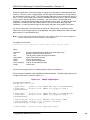
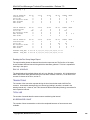
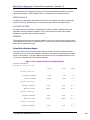
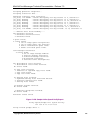
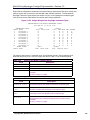
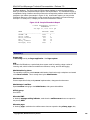
If you are including call placement in this application, establish a dialing plan on this
worksheet that tells the server that mailboxes starting with the specified digit are actually
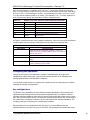
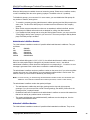
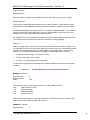
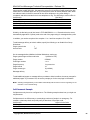
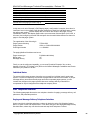
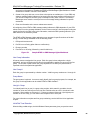
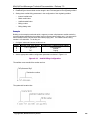
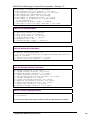
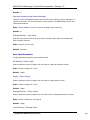
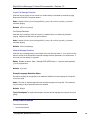
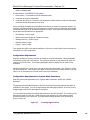
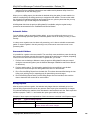
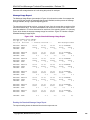
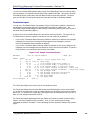
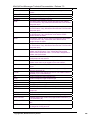
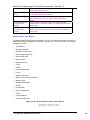
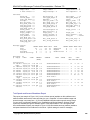
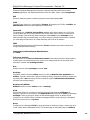
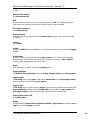
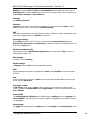
telephone numbers. Figure 4-2 shows a sample NuPoint Voice Application Worksheet for call
placement. See the NuPoint Voice Application chapter for more information.
•
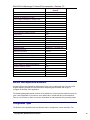
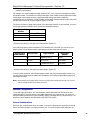
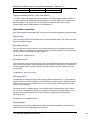
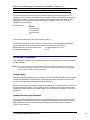
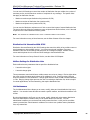
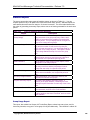
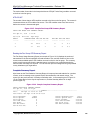
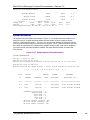
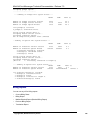
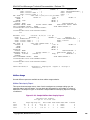
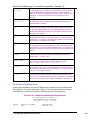
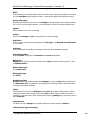
The Mailbox Worksheet organizes information you need to configure individual mailboxes for
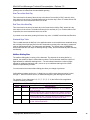
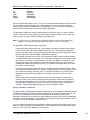
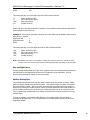
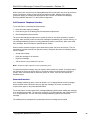
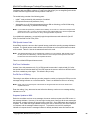
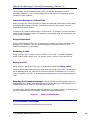
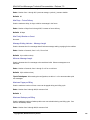
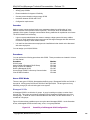
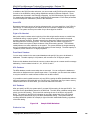
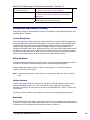
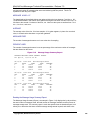
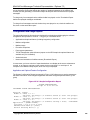
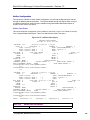
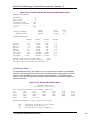
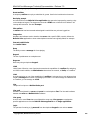
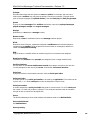
paging, message delivery, or call placement, or any combination of these functions. Figure 43 shows a sample Mailbox Worksheet for paging.
•
If you are including call placement in this application, specify the appropriate outdial index
and access type for call placement. Also specify the appropriate FCOS and LCOS for call
placement.
•
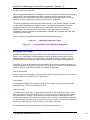
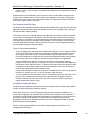
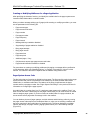
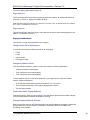
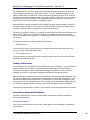
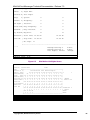
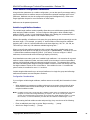
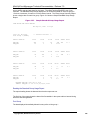
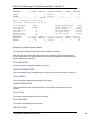
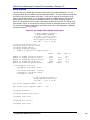
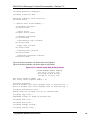
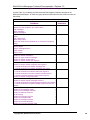
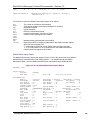
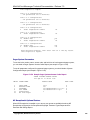
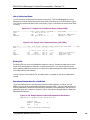
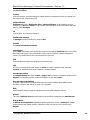
The Outdial Line Group Worksheet organizes information you need to configure the line
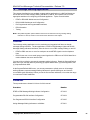
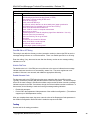
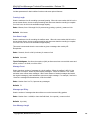
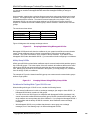
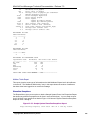
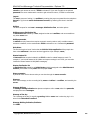
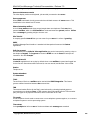
group that outdials paging and message delivery calls and identify the pager system. Figure
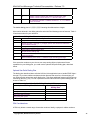
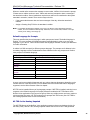
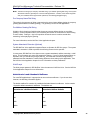
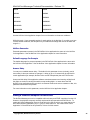
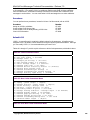
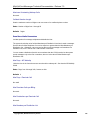
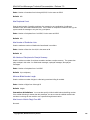
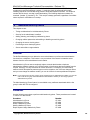
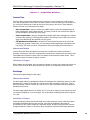
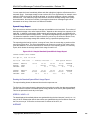
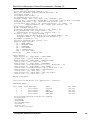
4-4 shows a sample Outdial Line Group Worksheet for paging.
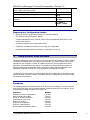
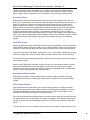
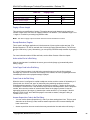
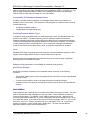
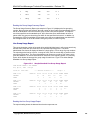
Figure 4-2
Sample NuPoint Voice Application Worksheet for Call Placement
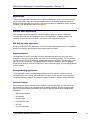
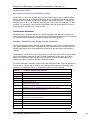
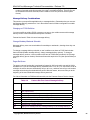
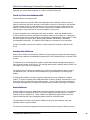
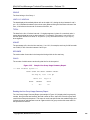
Figure 4-3
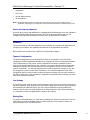
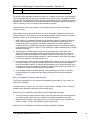
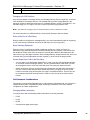
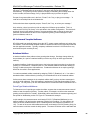
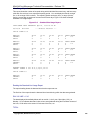
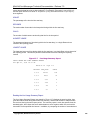
Figure 4-4
Sample Mailbox Worksheet for Paging
Sample Outdial Line Group Worksheet for Paging
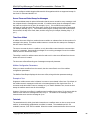
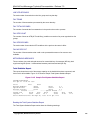
Defining a Line Group
Use the information in the following paragraphs for entries on the NuPoint Voice Worksheet and
Outdial Line Group Worksheet.
©Copyright 2002, Mitel Networks Corporation
41