1
CHAPTER 2. OfficeServ 7200 Data Server Installation
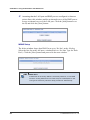
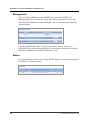
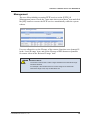
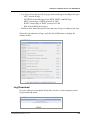
Click the [Logout] button on the upper section of the window to close the
connection to the Data Server.
OfficeServ 7200 Feature Server
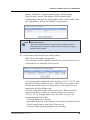
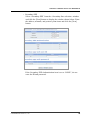
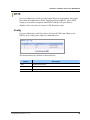
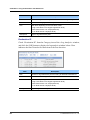
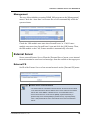
The VoIP, Voice Mail, and E-Mail menus are related to the OfficeServ 7200
Feature Server. Refer to the ‘OfficeServ 7200 Feature Server User Guide’
for details on the menus.
3.
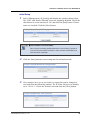
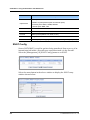
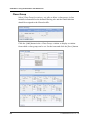
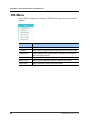
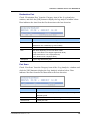
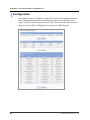
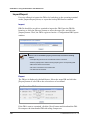
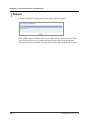
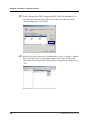
Click [Data] to use the menus for Data Server shown in the following
window:
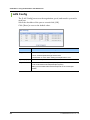
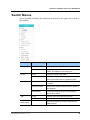
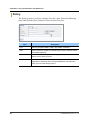
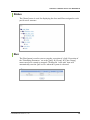
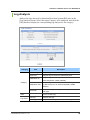
When a Data Server menu is selected, the submenus of the Data Server
menu appear on the left section of the window. Descriptions on each
submenu are provided in ‘Chapter 3. Using OfficeServ 7200 Data Server’.
8
© SAMSUNG Electronics Co., Ltd.