1
KIA DIAGNOSTIC TOOLS
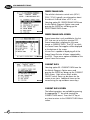
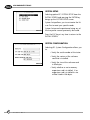
PRINTER SETUP
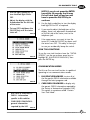
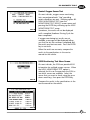
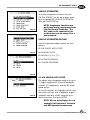
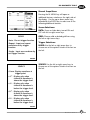
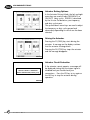
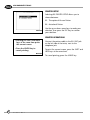
Selecting 03. PRINTER SETUP allows you to
choose between:
01. The optional Hi-scan Printer
02. Autocheck Printer
DT1-121
Use the up or down arrow keys to make your
selection, then press the ESC key to confirm
your selection.
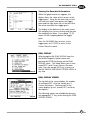
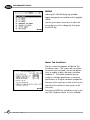
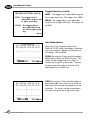
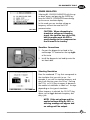
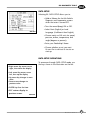
PRINTER OPERATIONS
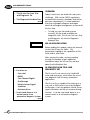
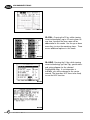
• Pressing the SHIFT and HELP
keys at the same time prints
the current screen.
• Press the UNDO key to
cancel printing.
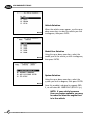
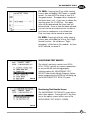
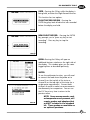
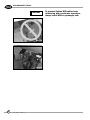
To print the current screen, press the SHIFT and
HELP keys at the same time.
DT1-122
44
m o d u l e
D T- 1
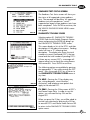
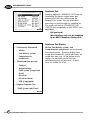
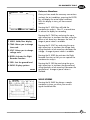
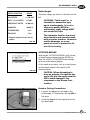
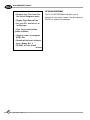
Connect the printer cable to the RS-232C jack
on the left side of the tester, next to the
telephone jack.
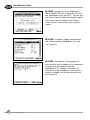
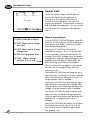
To cancel printing, press the UNDO key.