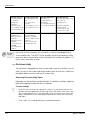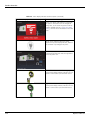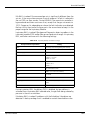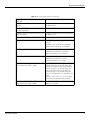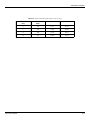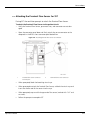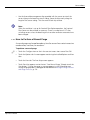
1
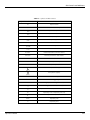
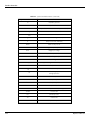
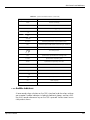
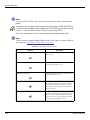
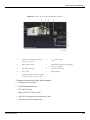
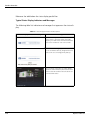
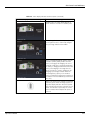
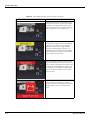
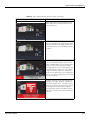
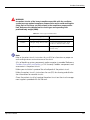
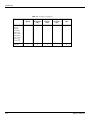
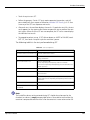
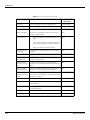
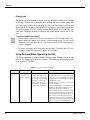
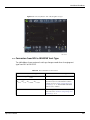
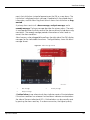
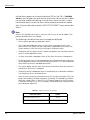
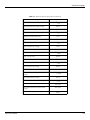
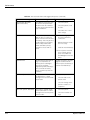
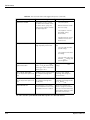
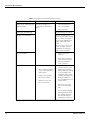
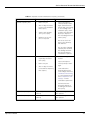
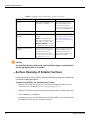
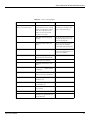
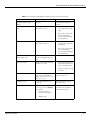
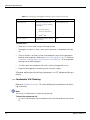
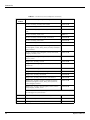
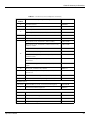
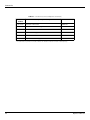
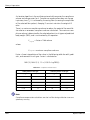
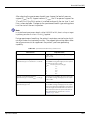
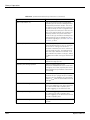
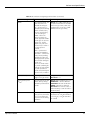
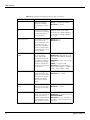
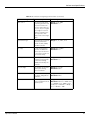
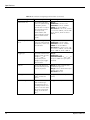
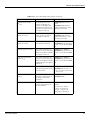
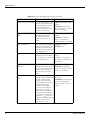
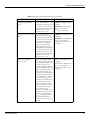
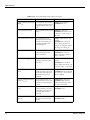
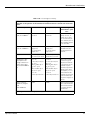
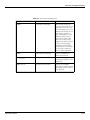
Product Connectivity 11. Touch Accept to start SST. 12. Follow the prompts. Certain SST tests require operator intervention, and will pause indefinitely for a response. Reference Individual SST Results, p. 3-51 for a summary of the SST test sequence and results. 13. After each test, the ventilator displays the results. If a particular test fails, the test result appears on the screen and a choice to repeat the test or perform the next test is given. When all of the SST tests are complete, the SST status screen displays the individual test results. 14. To proceed to patient set up, (if SST did not detect an ALERT or FAILURE) touch EXIT SST, then touch Accept or cycle the ventilator’s power. The following table lists the tests performed during SST. Table 3-3. SST Test Sequence Test step Function SST Flow Sensor Cross Check Test Tests O2 and Air Flow Sensors SST Exhalation Valve Performance Calibrates the exhalation valve and creates a table for use during calculations SST Circuit Pressure Test Exercises delivery PSOL. Checks inspiratory and expiratory autozero solenoids. Cross-checks inspiratory and expiratory pressure transducers at various pressures. SST Leak Test Tests ventilator breathing system for leaks SST Exhalation Filter Test Checks for exhalation filter occlusion and exhalation compartment occlusion. SST circuit Resistance Test Checks for inspiratory and expiratory limb occlusions, and calculates and stores the inspiratory and expiratory limb resistance parameters. SST circuit Compliance Test Calculates the attached patient circuit compliance. SST Prox (if Proximal Flow Option is installed) Verifies functionality of Proximal Flow Subsystem Note: The humidifier volume setting entered during SST should always be equal to the chamber’s or column’s empty compressible volume. Please do not enter either the container’s compressible volume when full or the container’s water volume when full. Operator’s Manual 3-49