1
Chapter 4
Periodic Maintenance
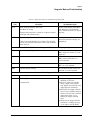
10. Replace the air inlet filter (section 7.2).
11. Remove the oxygen filter cap from the GDS (section 7.20). Inspect the
oxygen inlet filter for contamination or debris and verify that it is
properly installed.
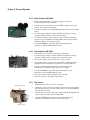
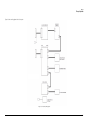
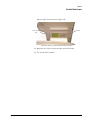
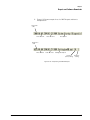
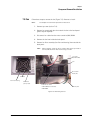
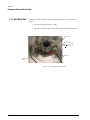
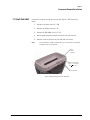
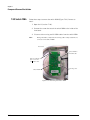
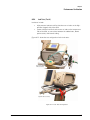
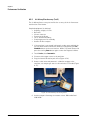
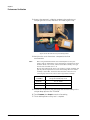
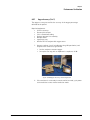
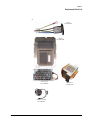
12. From outside the bottom enclosure, remove the filter retainer and
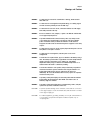
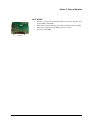
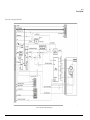
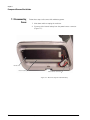
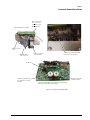
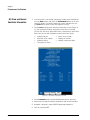
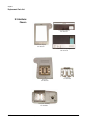
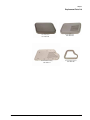
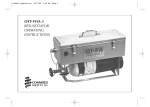
replace the cooling fan filter (Figure 4-3).
Filter retainer
Cooling fan
filter
Figure 4-3: Cooling Fan Filter Retainer
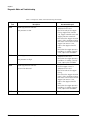
13. Reassemble the ventilator and complete the Performance Verification
(Chapter 8).
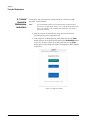
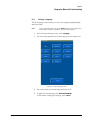
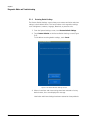
14. If the ventilator is not already in diagnostic mode, press and hold the
nav-ring Enter button and turn on the ventilator by pressing the On/
Shutdown button on the user interface. Within 5 seconds, release and
press the nav-ring Enter button again to enter Diagnostic mode.
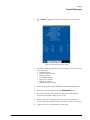
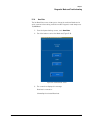
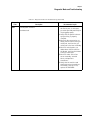
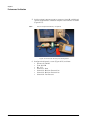
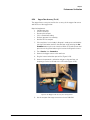
15. Turn on the PC and connect a standard 9-pin male/female RS-232
null modem cable and a 9-pin to 25-pin female/male adapter between
the PC serial port and the ventilator.
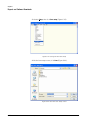
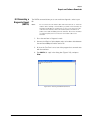
16. Click on the Tera Term icon to enable communication with the
ventilator.
4-4
Respironics V60 Ventilator Service Manual
1049766 Rev B