1
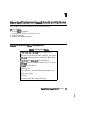
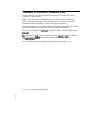
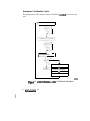
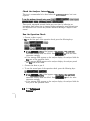
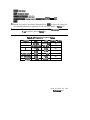
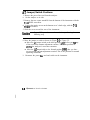
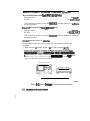
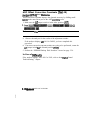
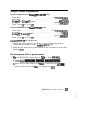
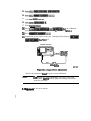
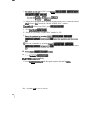
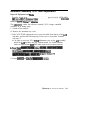
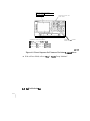
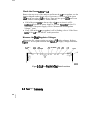
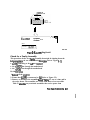
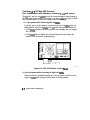
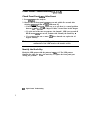
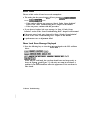
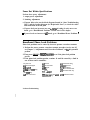
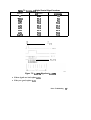
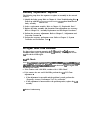
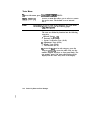
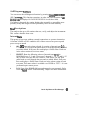
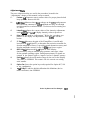
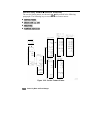
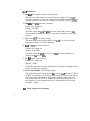
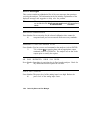
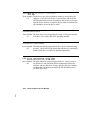
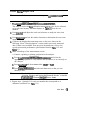
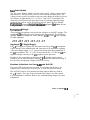
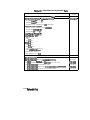
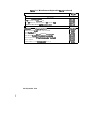
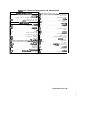
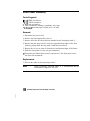
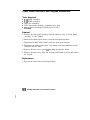
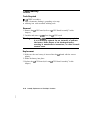
Verify Internal Xksts Passed
~~~..~;~‘;~~;.~~:. “:~;:;:~:;.,~;~~~.~~~~~~~
. . . . . .I_._. .,. .” I.. ., , . ._ .~I~~~.. . . . . . ..A.I,.. .7.,.~.=., ,.,. ,.
~~~~~~.
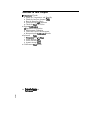
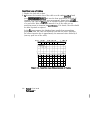
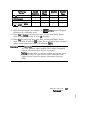
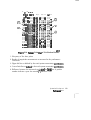
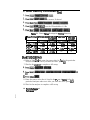
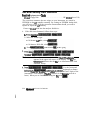
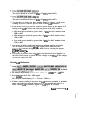
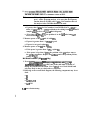
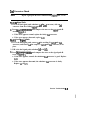
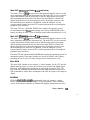
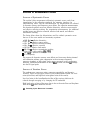
1. press [w) ~~~~~~~~
C-j ~~~~~~~~
__.. . . .,.,__,...
,“’ i~.~~-~~=.:=-=:.::r::LI:::~~
...../c.-.. _.._.....__...
,
,
_
,
,
..~....~........_...............~~~..~
i . __. ~
-- __....,...._. :.
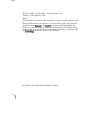
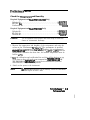
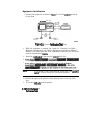
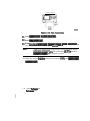
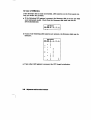
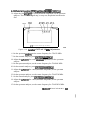
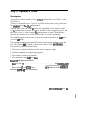
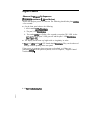
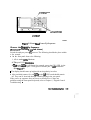
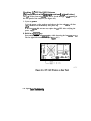
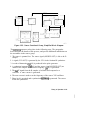
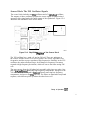
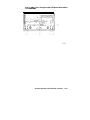
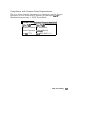
The
display
should
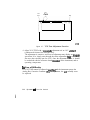
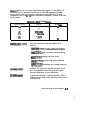
indicate:
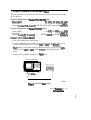
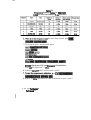
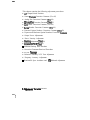
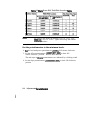
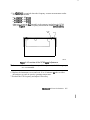
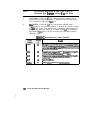
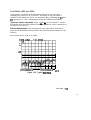
1.
~-...”-......-_..-,....._.............~~..... .-.._.....,.__........_
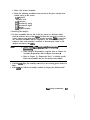
TEST
0 ALL INT
PASS
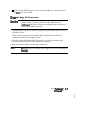
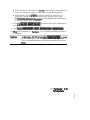
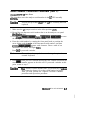
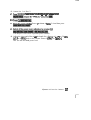
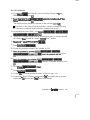
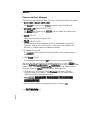
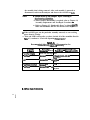
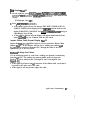
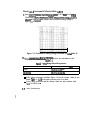
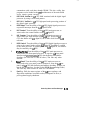
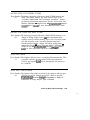
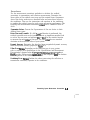
0 If your display shows the above message, go to step 2. Otherwise, continue
with this step.
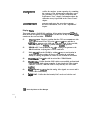
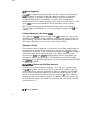
0 If phase lock error messages are present, this test may stop without passing
or failing. In this case, continue with the next procedure to check the
SOUIIX.
q
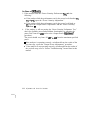
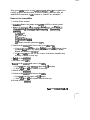
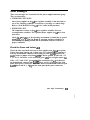
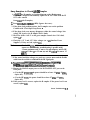
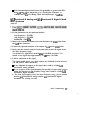
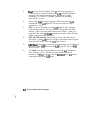
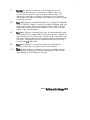
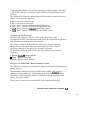
If you have unexpected results, or if the analyzer indicates a specific test
failure, refer to Chapter 6, “Digital Control Troubleshooting.” The analyzer
reports the first failure detected.
q
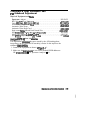
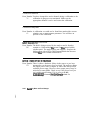
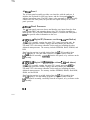
If the analyzer indicates failure but does not identify the test, press &)
to search for the failed test. Then refer to Chapter 6, “Digital Control
Troubleshooting.” Likewise, if the response to front panel or HP-IB
commands is unexpected, troubleshoot the digital control group.
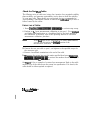
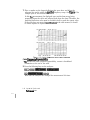
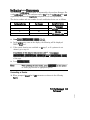
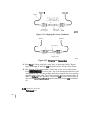
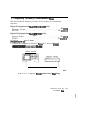
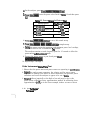
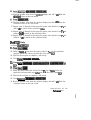
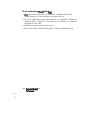
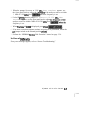
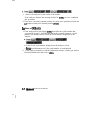
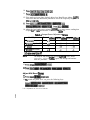
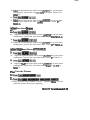
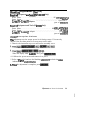
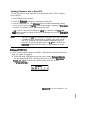
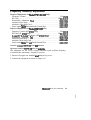
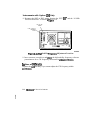
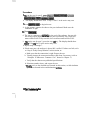
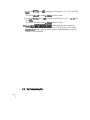
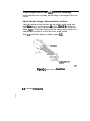
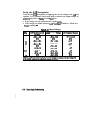
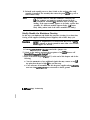
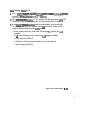
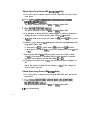
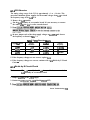
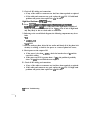
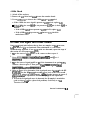
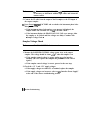
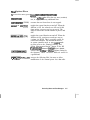
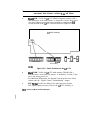
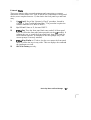
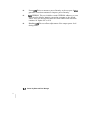
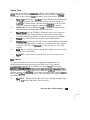
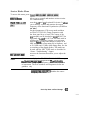
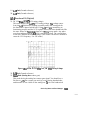
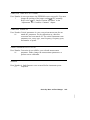
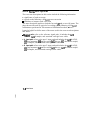
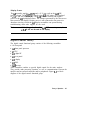
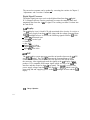
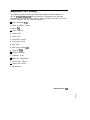
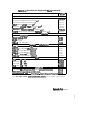
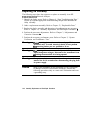
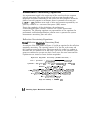
2. Press(XJ(XJ
to perform the Analog Bus test.
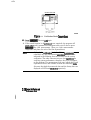
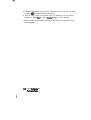
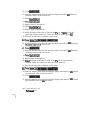
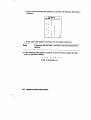
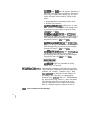
q
If this test faiIs, refer to Chapter 6, “Digital Control Troubleshooting.”
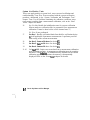
q
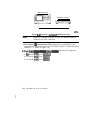
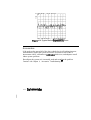
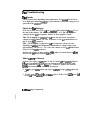
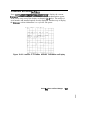
If this test passes, continue with the next procedure to check the source.
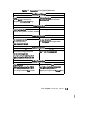
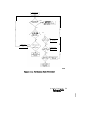
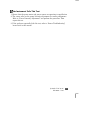
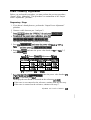
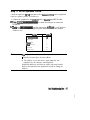
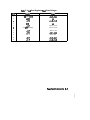
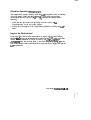
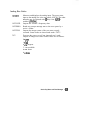
Start Tmublrshooting Hem
4-l 6