1
666
CUSTOM TAGS IN JSP PAGES
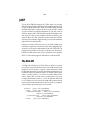
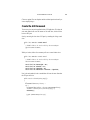
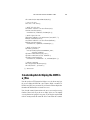
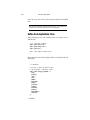
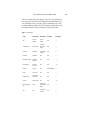
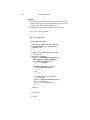
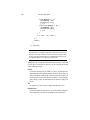
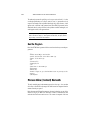
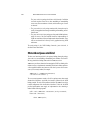
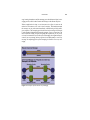
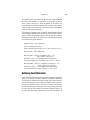
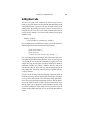
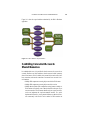
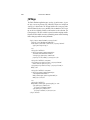
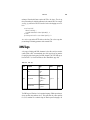
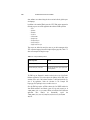
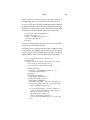
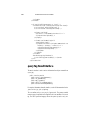
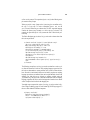
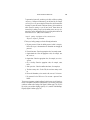
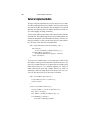
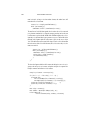
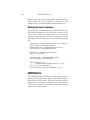
The template uses a set of nested tags—definition, screen, and parameter—
to define a table of screen definitions and uses an insert tag to insert parameters
from a screen definition into a specific application screen.
JSP Page
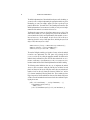
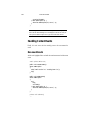
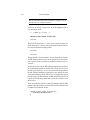
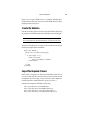
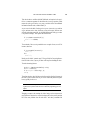
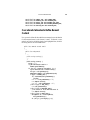
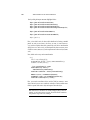
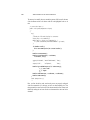
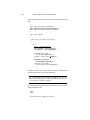
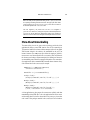
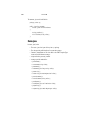
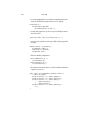
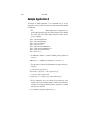
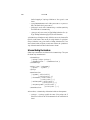
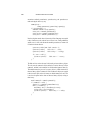
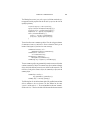
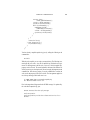
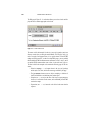
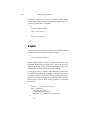
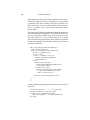
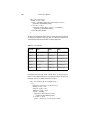
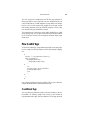
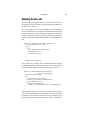
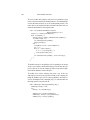
The template for the Duke’s Bookstore example, template.jsp, is shown
below. This page includes a JSP page that creates the screen definition and then
uses the insert tag to insert parameters from the definition into the application
screen.
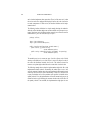
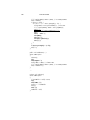
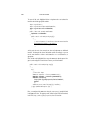
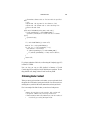
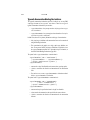
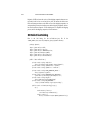
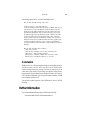
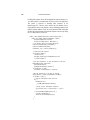
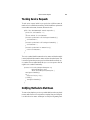
<%@ taglib uri="/tutorial-template.tld" prefix="tt" %>
<%@ page errorPage="errorpage.jsp" %>
<%@ include file="screendefinitions.jsp" %><html>
<head>
<title>
<tt:insert definition="bookstore"
parameter="title"/>
</title>
</head>
<tt:insert definition="bookstore"
parameter="banner"/>
<tt:insert definition="bookstore"
parameter="body"/>
</body>
</html>
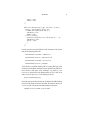
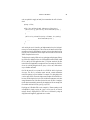
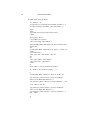
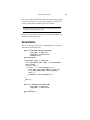
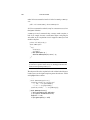
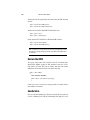
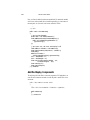
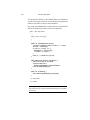
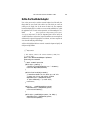
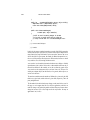
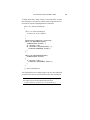
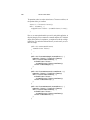
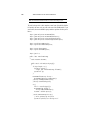
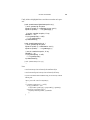
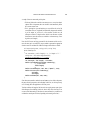
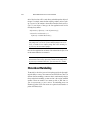
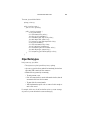
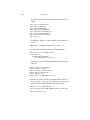
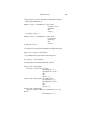
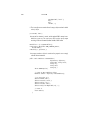
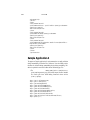
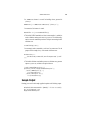
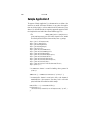
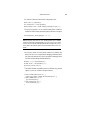
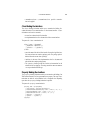
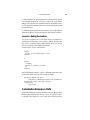
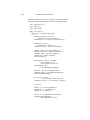
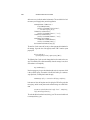
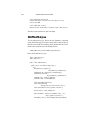
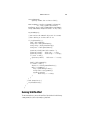
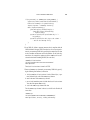
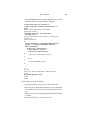
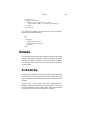
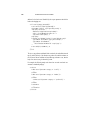
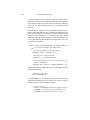
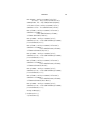
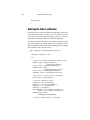
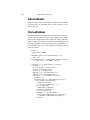
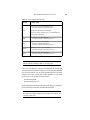
screendefinitions.jsp
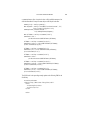
selectedScreen:
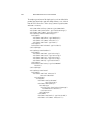
creates a screen definition based on a request attribute
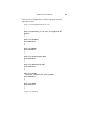
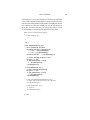
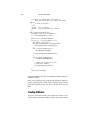
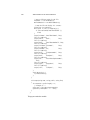
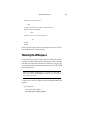
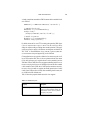
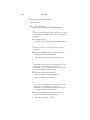
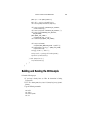
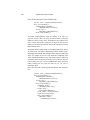
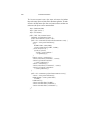
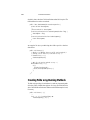
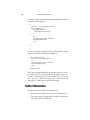
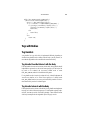
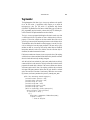
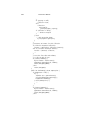
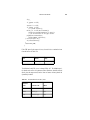
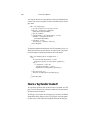
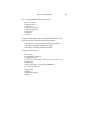
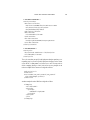
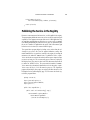
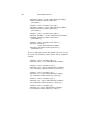
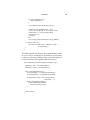
<tt:definition name="bookstore"
screen="<%= (String)request.
getAttribute(\"selectedScreen\") %>">
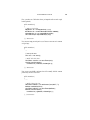
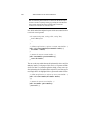
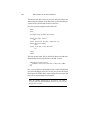
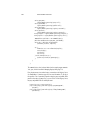
<tt:screen id="/enter">
<tt:parameter name="title"
value="Duke’s Bookstore" direct="true"/>
<tt:parameter name="banner"
value="/banner.jsp" direct="false"/>
<tt:parameter name="body"
value="/bookstore.jsp" direct="false"/>
</tt:screen>
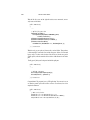
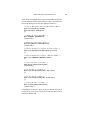
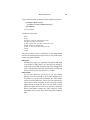
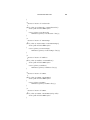
<tt:screen id="/catalog">
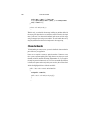
<tt:parameter name="title"























![[1 ] Oracle® Enterprise Manager](http://vs1.manualzilla.com/store/data/005669073_1-0396df232df5e560fdd03210f5126330-150x150.png)