1
QUERYING A REGISTRY
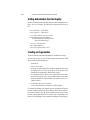
Finding Organizations by Classification
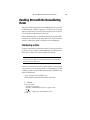
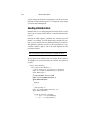
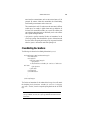
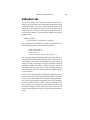
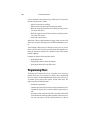
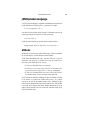
To find organizations by classification, you need to establish the classification
within a particular classification scheme and then specify the classification as an
argument to the findOrganizations method.
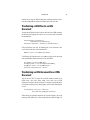
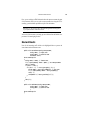
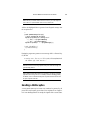
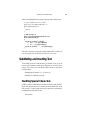
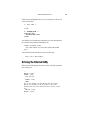
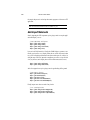
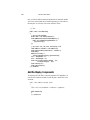
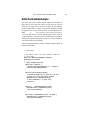
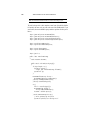
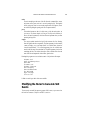
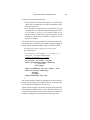
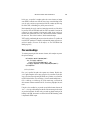
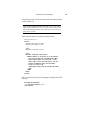
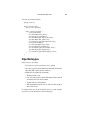
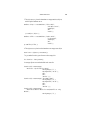
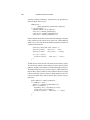
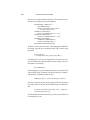
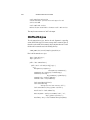
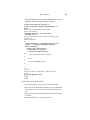
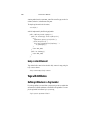
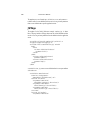
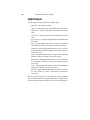
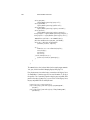
The following code fragment finds all organizations that correspond to a particular classification within the NAICS taxonomy. (You can find the NAICS codes at
http://www.census.gov/epcd/naics/naicscod.txt and also in the file
<JWSDP_HOME>/docs/jaxr/taxonomies/naics.xml.)
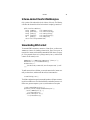
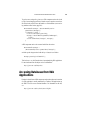
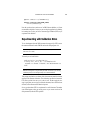
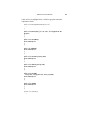
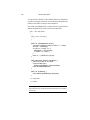
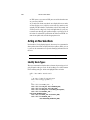
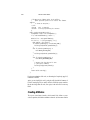
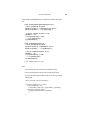
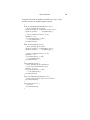
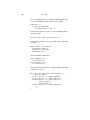
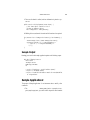
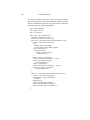
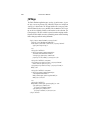
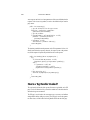
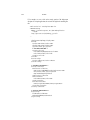
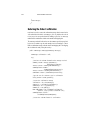
ClassificationScheme cScheme =
bqm.findClassificationSchemeByName(null,
"ntis-gov:naics");
Classification classification =
blcm.createClassification(cScheme,
"Snack and Nonalcoholic Beverage Bars", "722213");
Collection classifications = new ArrayList();
classifications.add(classification);
// make JAXR request
BulkResponse response = bqm.findOrganizations(null,
null, classifications, null, null, null);
Collection orgs = response.getCollection();
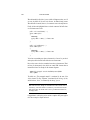
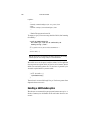
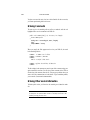
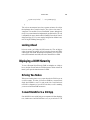
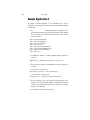
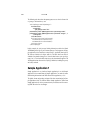
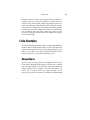
You can also use classifications to find organizations that offer services based on
technical specifications that take the form of WSDL (Web Services Description
Language) documents. In JAXR, a concept is used as a proxy to hold the information about a specification. The steps are a little more complicated than in the
previous example, because the client must find the specification concepts first,
then the organizations that use those concepts.
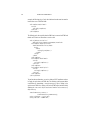
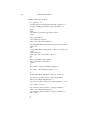
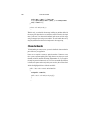
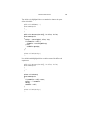
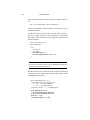
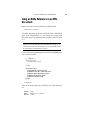
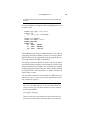
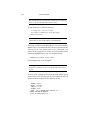
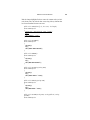
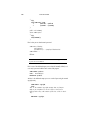
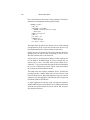
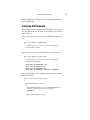
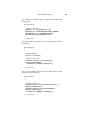
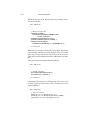
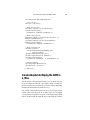
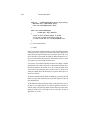
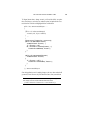
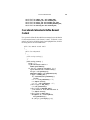
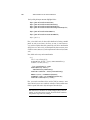
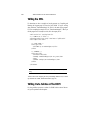
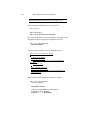
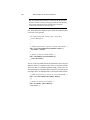
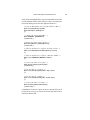
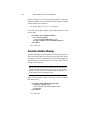
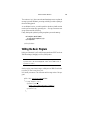
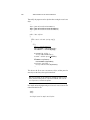
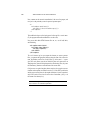
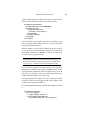
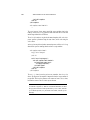
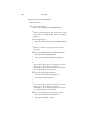
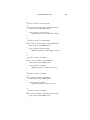
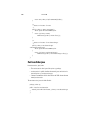
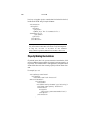
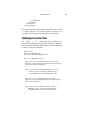
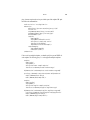
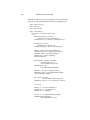
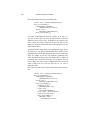
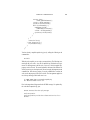
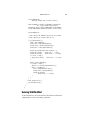
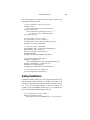
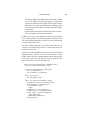
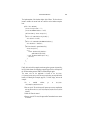
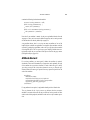
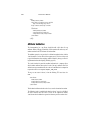
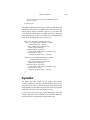
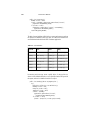
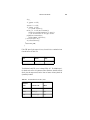
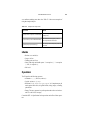
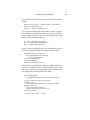
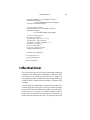
The following code fragment finds all the WSDL specification instances used
within a given registry. You can see that the code is similar to the NAICS query
code except that it ends with a call to findConcepts instead of findOrganizations.
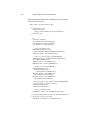
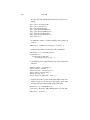
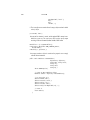
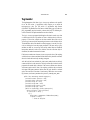
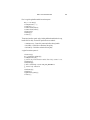
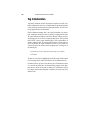
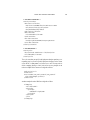
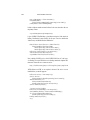
String schemeName = "uddi-org:types";
ClassificationScheme uddiOrgTypes =
bqm.findClassificationSchemeByName(null, schemeName);
/*
* Create a classification, specifying the scheme
* and the taxonomy name and value defined for WSDL
* documents by the UDDI specification.
*/
549