1
c.
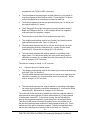
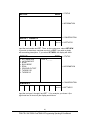
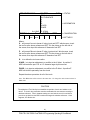
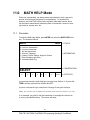
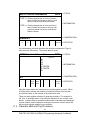
Enter the tool number that created the inaccurate cut. Select EDIT.
d.
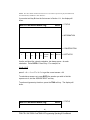
Press DATA FWD to XMOD or ZMOD. Input the dimension equal to the
part error. Remember a plus XMOD makes the diameter bigger, and a
plus ZMOD makes the part longer.
e.
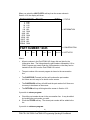
Re-run the part.
f.
If you can't risk ruining the first part, input a plus (for O.D.), or minus (for
I.D.) .02 XMOD and ZMOD for every tool. Then run the part, measure
your errors, adjust the XMOD and ZMOD, and re-run.
62
Southwestern Industries, Inc.
TRAK TRL 1840 CSS & ProtoTRAK LX3 Programming Operating & Care Manual