1
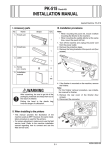
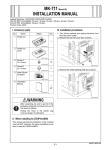
4. Open the right door.
5. Open the right rear door.
6. Remove the right rear cover (five screws).
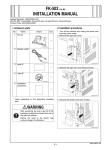
9. Insert the JPEG board assy into the machine and
secure it by tightening the shoulder screws (two
shoulder screws).
Note:
When inserting the board, align it with the slits in
the machine.
A0DPIXC002DB
7. Loosen the two shoulder screws and remove the
shield cover (two shoulder screws).
A02EIXC074DB
10. Reinstall the right rear cover that has been
removed in step 6 (five screws).
11. Close the right rear door.
12. Close the right door.
13. Insert the filter that has been pull out in step 3.
14. Reinstall the shield box cover that has been
removed in step 2 (four screws).
A02EIXC073DA
8. Install the shield cover that has been removed in
step 7 to the JPEG board (two screws furnished
with the kit).
4037IXC056DB
E-2