1
III. Scan accelerator setting
<When both the fax kit and MK-711 are installed at
one time>
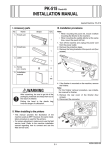
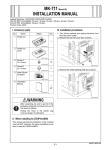
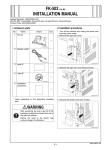
1. Turn off the machine and unplug the power cord
from the power outlet.
2. Loosen the two shoulder screws and remove the
shield cover (two shoulder screws).
1. Plug the power cord into the power outlet and
turn on the machine.
2. Display the Service Mode screen (For details of
how to display the Service Mode screen, see the
service manual).
3. Touch “System 2.”
A02EIXC075DB
A00JIXE118DA
3. Install the shield cover that has been removed in
step 2 to the JPEG board (two screws furnished
with the kit).
4. Touch “Option Board Status.”
A02EIXE062DA
4037IXC056DB
5. Touch “Set” of JPEG.
4. Insert the JPEG board assy into the machine and
secure it by tightening the shoulder screws (two
shoulder screws).
Note:
When inserting the board, align it with the slits in
the machine.
A00JIXE133DA
6. Touch “END.”
7. Touch “Exit” on the Service Mode screen.
8. Turn OFF and ON the Main Power Switch.
Note:
When displayed the Service Mode screen, be sure
to turn off the main power after exiting the Service
Mode screen and wait for 10 seconds or more
before turning on.
A02EIXC076DB
5. Mount the MK-711 (mount kit) to the machine.
Note:
For installation procedures, refer to the installation
manual for MK-711 (mount kit).
E-3