1
GM GMT900 Series
Evolution
Alerts
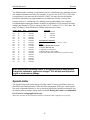
If you would like to know when a certain parameter, such as transmission temperature,
reaches a certain value you can set an alert to that value. When the preset value is reached,
the Evolution’s screen will flash red and display the triggered alert and the current value
for that particular alert parameter.
Records
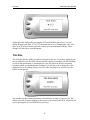
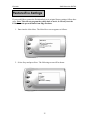
While the Evolution is displaying parameters of your truck it will record the highest value
the parameters have reached. These records can be viewed and reset at any time.
Display and Keypad
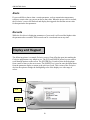
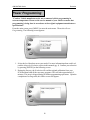
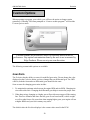
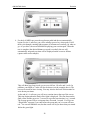
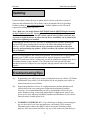
The following picture is a sample Evolution screen. Great effort has gone into making the
Evolution programmer very simple to use. The [UP] and [DOWN] arrow keys are used to
scroll through options on the screen. The [ENTER] key is used to select desired options
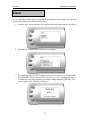
from a menu or move to the next screen. The [MENU] key is used to enter the Main Menu
from the parameter display or return to the previous screen. This version of the Evolution
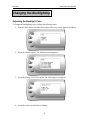
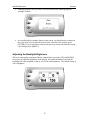
also has the option to change the backlighting color of the display to a wide range of
colors.
MENU
UP
DOWN
ENTER
10