1
GM GMT900 Series
Evolution
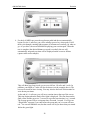
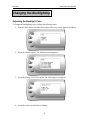
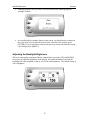
4. Press the [UP] and [DOWN] arrow keys until you have reached the desired value.
Pressing [ENTER] will save the current alert value. If you would like to return to
the previous screen and abort the current value change, press [MENU].
Records
The Evolution automatically records the highest value of some of the parameters. To view
these records and to reset them, do the following:
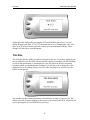
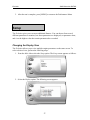
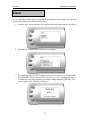
1. From the Main Menu select the Setup option. The Setup screen appears as follows:
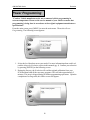
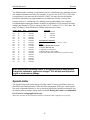
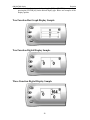
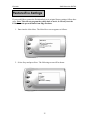
2. Select the Records option. The following screen appears:
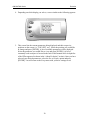
3. This is where you can view all of the current recorded high values. The arrow
located at the bottom right corner of the screen indicates there are more parameters
than the display can show. Use the [UP] and [DOWN] arrow keys to scroll through
the list of records. If you would like to reset a single parameter, select the desired
parameter and press [ENTER]. If you would like to reset all of the records, select
the Clear All option and press [ENTER]. To exit out of this list press [MENU].
34