1
2-14
Daily use
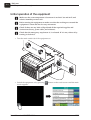
Initial operation of the equipment
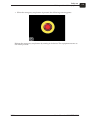
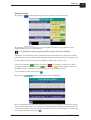
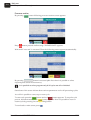
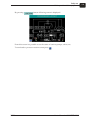
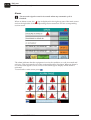
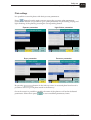
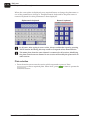
To go to alarm history screen press
displayed.
. Following screen is then
It is possible to see the time of alarm occurance and its description as well as to scroll
up and down the list and to the left and right to see whole alarm description.
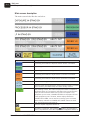
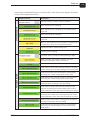
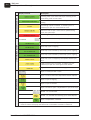
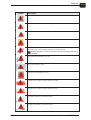
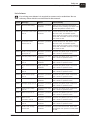
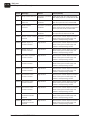
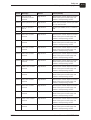
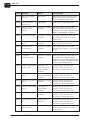
According to the alarm number it is possible to identify the alarm. Please see the table
on the next pages.
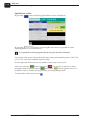
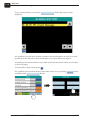
To turn back to alarm screen press
.
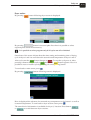
It is possible to access alarm history from main screen too by pressing
and afterwards
button.
User's Manual - CONCEPT 205 C
button
1517