1
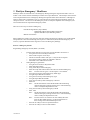
Exercise 7 Selective Calling Decode
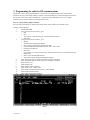
Programming Selective Calling Decode (Base)
1
2
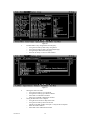
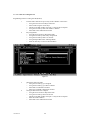
Load the radios data file we previously saved as BASE in Exercise 5
> Using the ALT and Arrow Keys Select File
> Select Load Using the Arrow Keys
> The Drive and Path window will open. Verify the drive and path.
> Using the Arrow Keys Select the “BASE” data file
> Select OK in the confirmation window
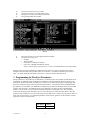
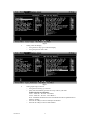
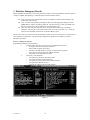
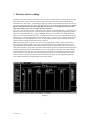
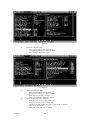
Optional Signaling
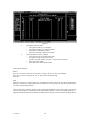
> Using the Arrow Keys in the Main Screen go to Optional Signaling
> Using the Space Bar Select “MSK”
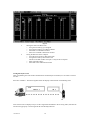
Figure 15
3
11/01 Rev 2.0
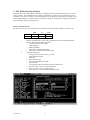
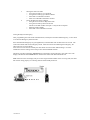
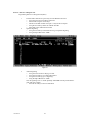
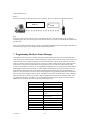
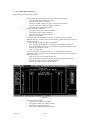
And/Or Signaling
> Using the ALT and Arrow Keys go to Edit
> Using the Arrow Keys go to Optional Features
> Using the Arrow Keys go to “Signaling”
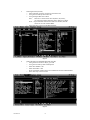
> Using the Space Bar Select “AND”
Note: If signaling is set to “AND” QT/DQT AND MSK must be present before a
radio will open squelch.
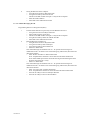
> Press the ALT Key to return to Edit Menu
21