1
GE MEDICAL SYSTEMS
DIRECTION EP194516, REVISION 01
HP DESKJET 6127 INSTALLATION MANUAL
Section 2-6
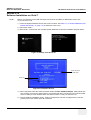
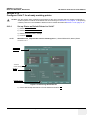
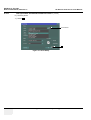
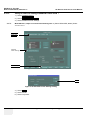
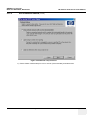
Check if HP6127 Print Driver is installed
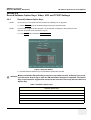
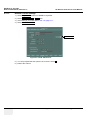
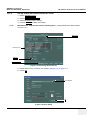
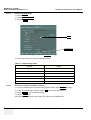
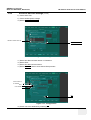
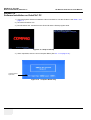
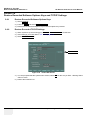
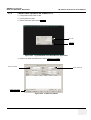
1.) Select CONFIG (F2) on the Qwerty Keyboard on the operator panel.
NOTE:
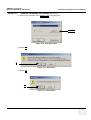
If not Logged ON already, then the Operator Log On window is displayed.Select adm from the
Operator pull-down menu and select Log On.
2.) Select CONNECTIVITY.
3.) Select ADDITIONAL OUTPUTS.
4.) Select Standard Printer Settings.
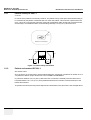
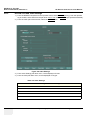
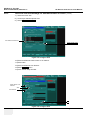
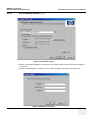
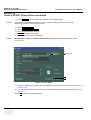
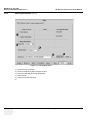
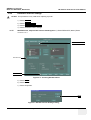
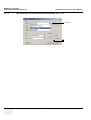
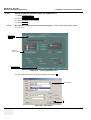
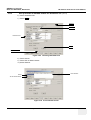
5.) SELECT to display Print Setup.
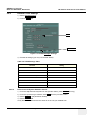
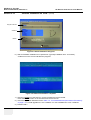
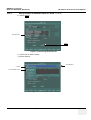
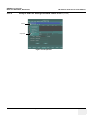
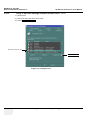
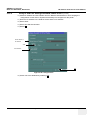
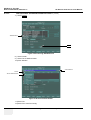
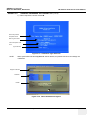
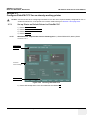
6.) Examine the List in the scroll window.
NOTE:
With SW v2.3.0, steps 3 and 4 have the following text “3.) Select SERVICES.,and 4.) Select
Standard Print.”
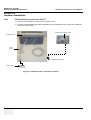
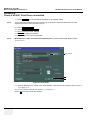
Scroll Window
OK
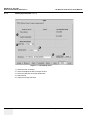
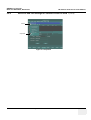
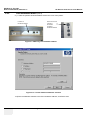
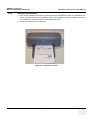
Figure 2-6 Print Setup
7.) If the HP Deskjet 6127 is listed in the Scroll Window, click OK twice and continue from Section 213 on page 2- 31.
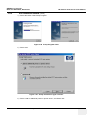
8.) If it is not listed, continue from Section 2-7 on page 2- 7
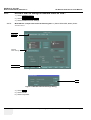
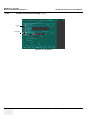
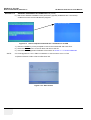
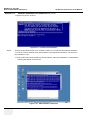
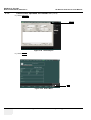
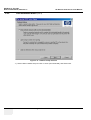
Select OK close the Print Setup Window.
2-6
Section 2-6 - Check if HP6127 Print Driver is installed