1
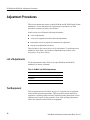
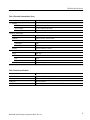
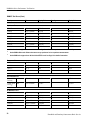
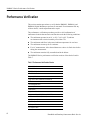
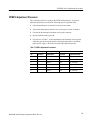
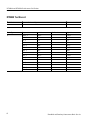
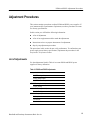
PS2520 Series Adjustment Procedures
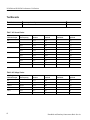
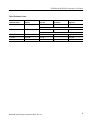
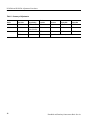
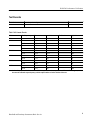
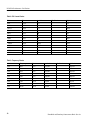
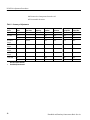
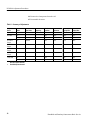
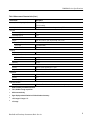
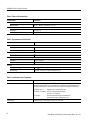
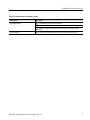
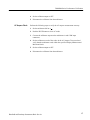
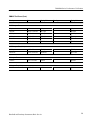
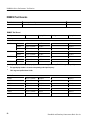
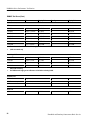
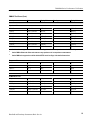
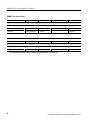
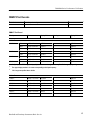
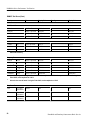
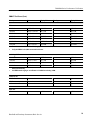
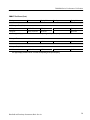
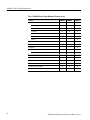
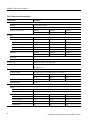
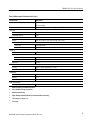
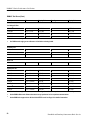
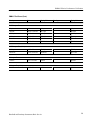
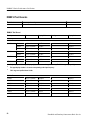
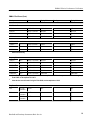
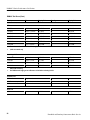
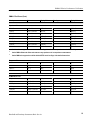
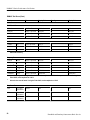
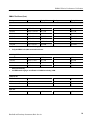
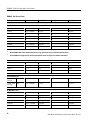
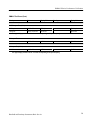
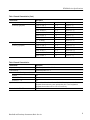
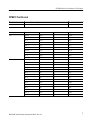
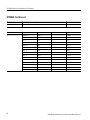
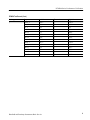
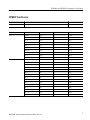
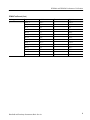
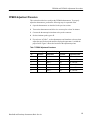
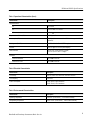
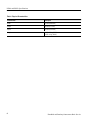
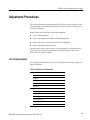
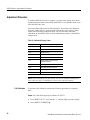
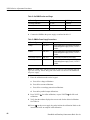
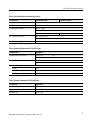
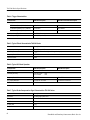
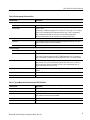
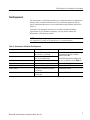
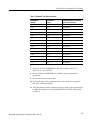
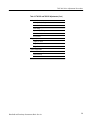
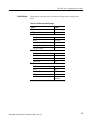
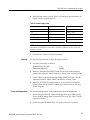
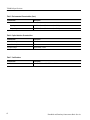
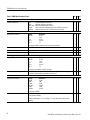
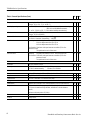
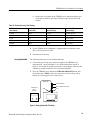
Table 8: PS2520 Series Adjustments (Cont.)
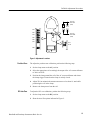
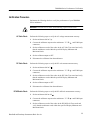
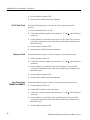
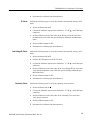
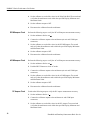
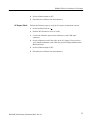
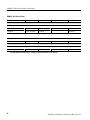
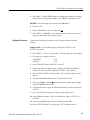
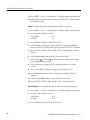
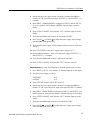
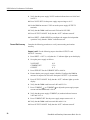
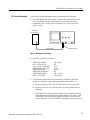
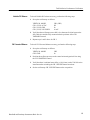
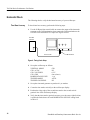
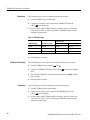
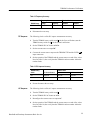
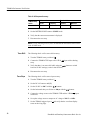
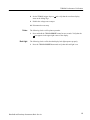
Parallel Output: Current Offset
Parallel Output: Current Full Scale
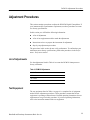
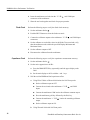
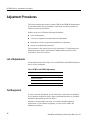
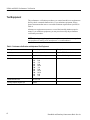
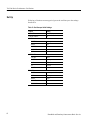
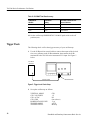
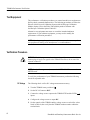
Test Equipment
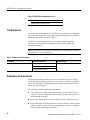
To ensure accurate adjustments, use the following or equivalent test equipment.
If you substitute equipment, always choose instruments that meet or exceed the
minimum requirements specified in Table 9.
Alternative test equipment must meet or exceed the intended minimum
requirements. If you substitute equipment, you may need to modify the
adjustment procedures.
NOTE. Before making any adjustment, warm up the test equipment according to
the manufacturer’s recommendations.
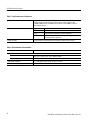
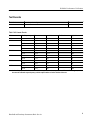
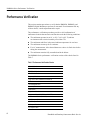
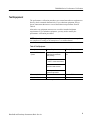
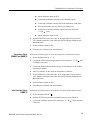
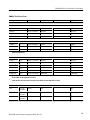
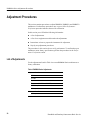
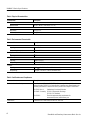
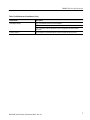
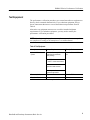
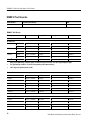
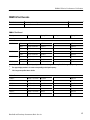
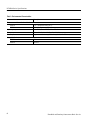
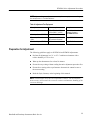
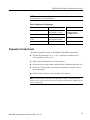
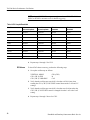
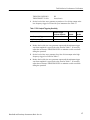
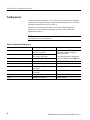
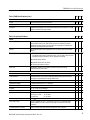
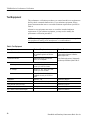
Table 9: Adjustment Test Equipment
Description
Minimum Requirements
Example Product
Digital Multimeter
4-digit
Tektronix DM2510 or DM25210G
DC volts accuracy:
0.05%
DC ampere accuracy: 0.8%
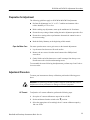
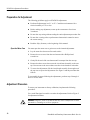
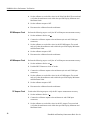
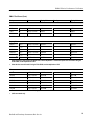
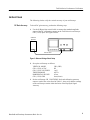
Preparation for Adjustment
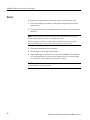
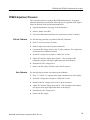
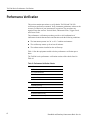
Perform the adjustment procedures on an as-needed basis. If a power supply
section fails a performance requirement, or if a section is replaced or repaired,
adjust only that section. Adjusting individual sections of the instrument rarely
affects its total performance.
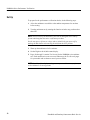
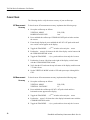
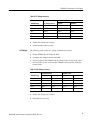
The following guidelines apply to all adjustments:
56
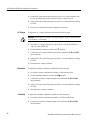
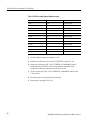
Verify that the line voltage selector (instrument rear) is set to the correct
voltage. If you must change the selector setting, disconnect the AC power
before altering the setting.
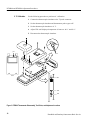
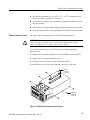
Remove the instrument cover for the voltage full-scale calibrations only.
Plug in and warm up the instrument for at least ten minutes. A thirty minute
warm-up period is required if the instrument has been exposed to a high-humidity or high-condensing environment.
Handheld and Benchtop Instruments Basic Service