1
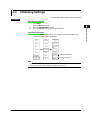
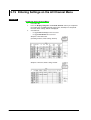
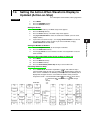
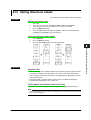
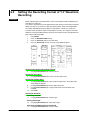
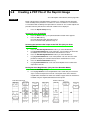
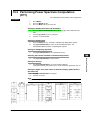
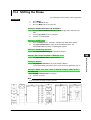
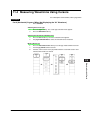
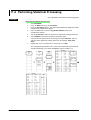
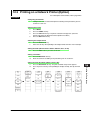
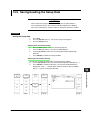
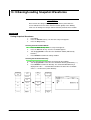
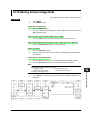
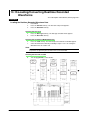
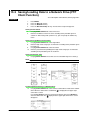
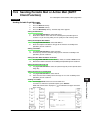
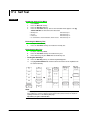
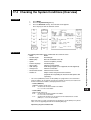
11.4 Measuring Waveforms Using Cursors
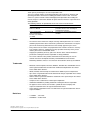
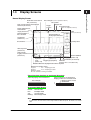
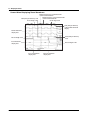
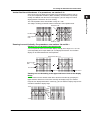
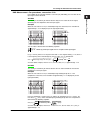
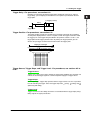
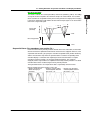
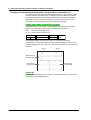
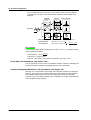
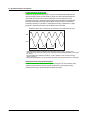
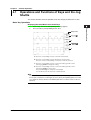
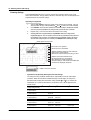
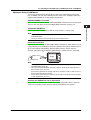
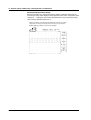
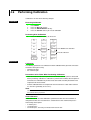
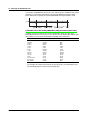
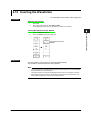
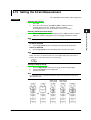
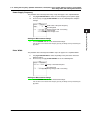
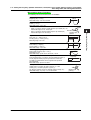
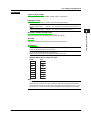
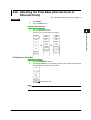
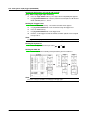
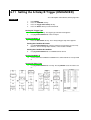
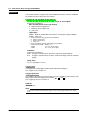
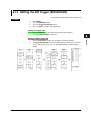
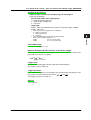
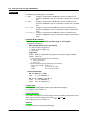
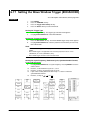
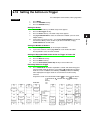
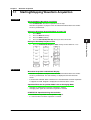
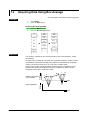
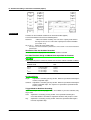
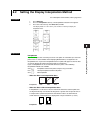
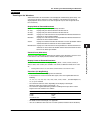
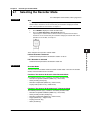
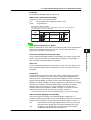
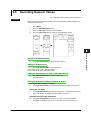
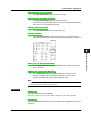
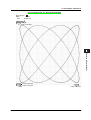
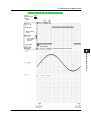
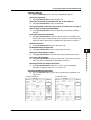
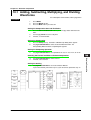
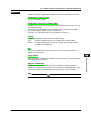
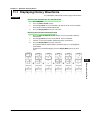
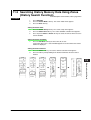
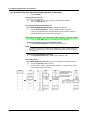
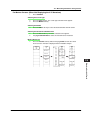
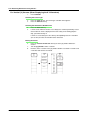
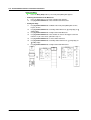
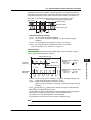
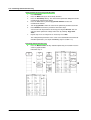
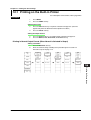
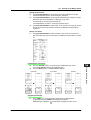
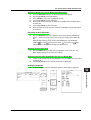
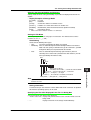
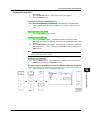
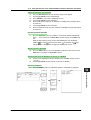
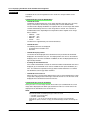
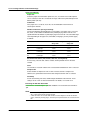
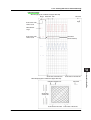
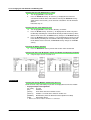
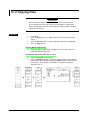
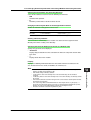
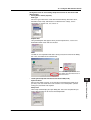
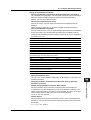
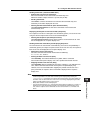
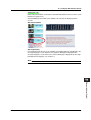
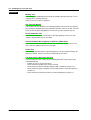
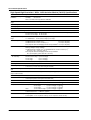
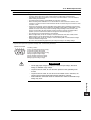
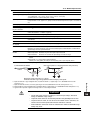
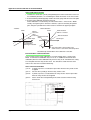
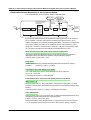
For Vertical (V) Cursors (When Displaying the X-Y Waveform)
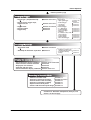
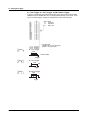
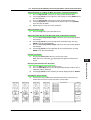
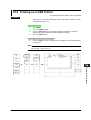
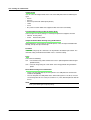
1.
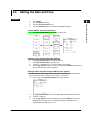
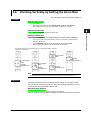
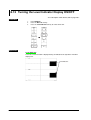
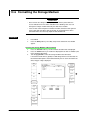
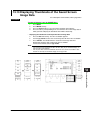
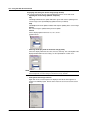
Press CURSOR.
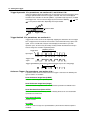
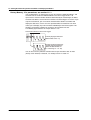
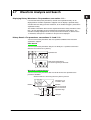
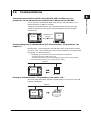
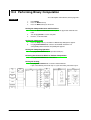
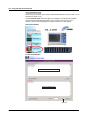
Selecting the Cursor Type
2.
3.
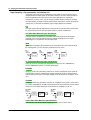
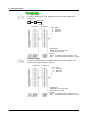
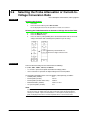
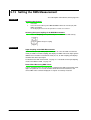
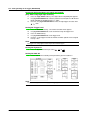
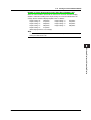
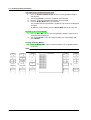
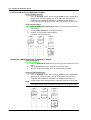
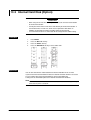
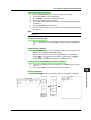
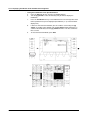
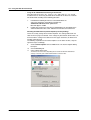
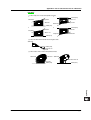
Press the Type soft key. The cursor type selection menu appears.
Press the Vertical soft key.
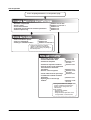
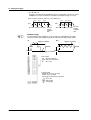
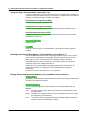
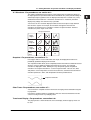
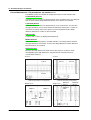
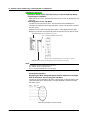
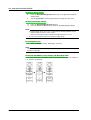
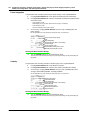
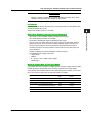
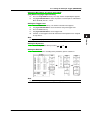
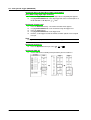
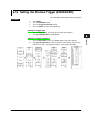
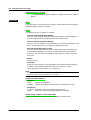
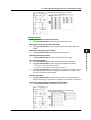
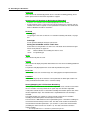
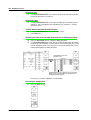
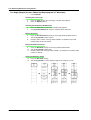
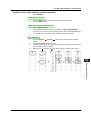
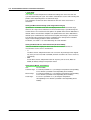
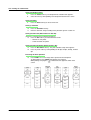
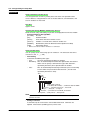
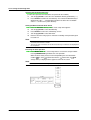
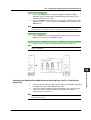
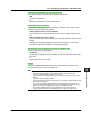
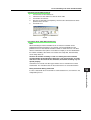
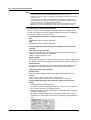
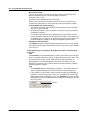
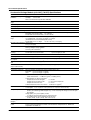
Selecting the Waveform to Be Measured
4.
5.
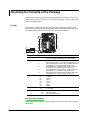
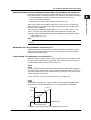
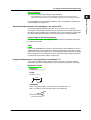
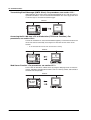
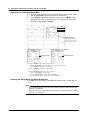
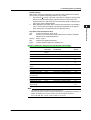
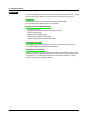
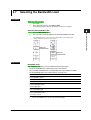
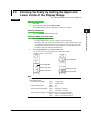
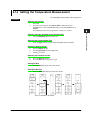
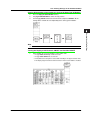
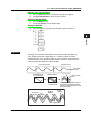
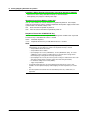
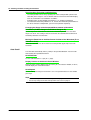
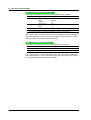
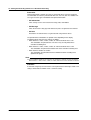
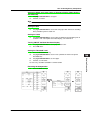
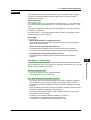
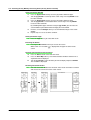
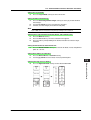
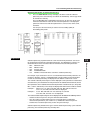
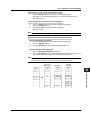
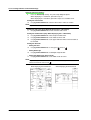
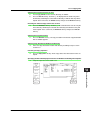
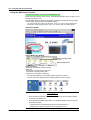
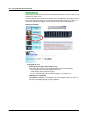
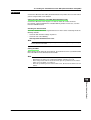
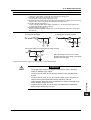
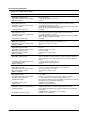
Press the Trace soft key.
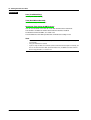
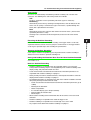
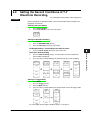
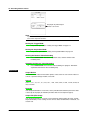
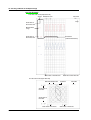
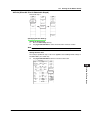
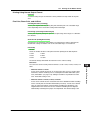
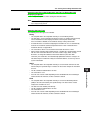
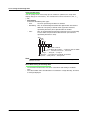
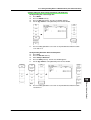
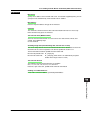
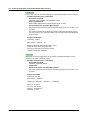
If X Axis of the DISPLAY menu is set to Single, the channel specified by X trace
of the DISPLAY menu is displayed. Since this setting is for viewing purpose
only, you cannot change it.
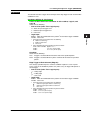
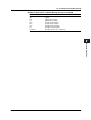
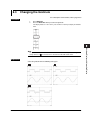
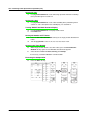
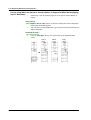
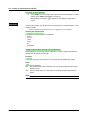
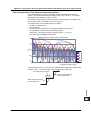
If X Axis is set to Quad, press the soft key corresponding to the X-Y waveform
(XY1 to XY4) to select the waveform to be measured.
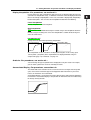
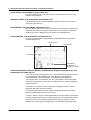
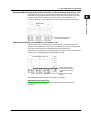
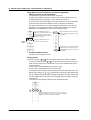
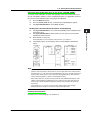
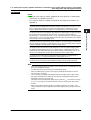
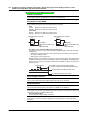
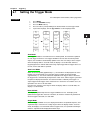
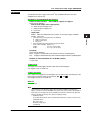
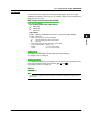
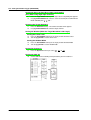
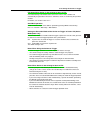
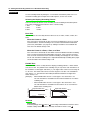
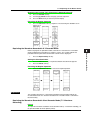
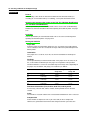
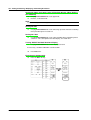
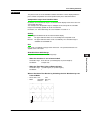
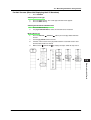
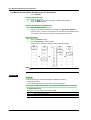
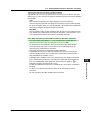
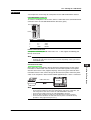
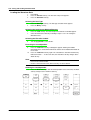
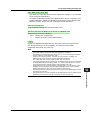
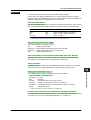
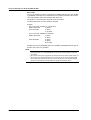
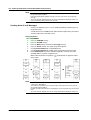
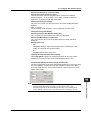
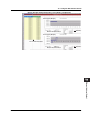
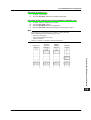
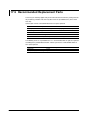
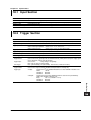
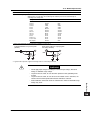
Moving the Cursor
6.
7.
8.
11-18
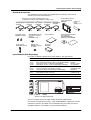
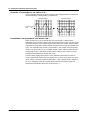
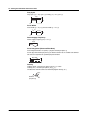
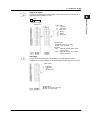
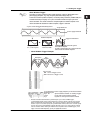
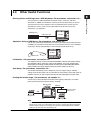
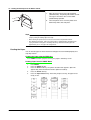
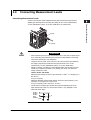
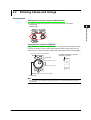
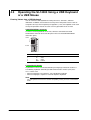
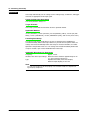
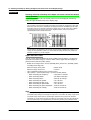
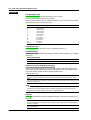
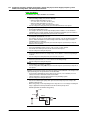
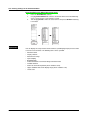
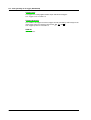
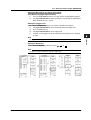
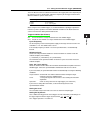
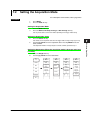
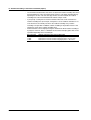
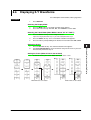
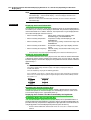
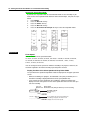
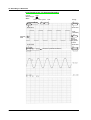
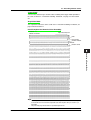
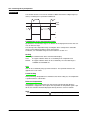
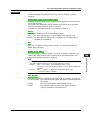
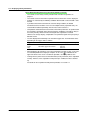
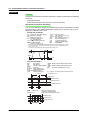
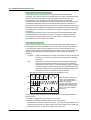
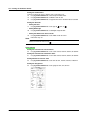
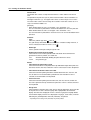
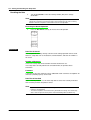
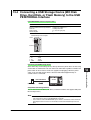
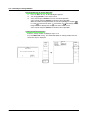
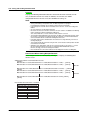
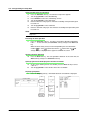
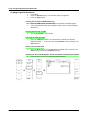
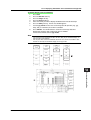
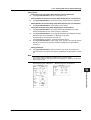
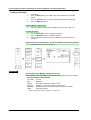
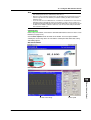
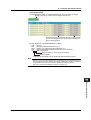
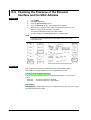
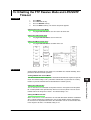
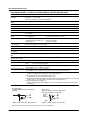
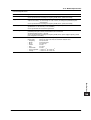
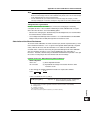
Press the V Cursor1/V Cursor2 soft key to set the jog shuttle control to V
Cursor1.
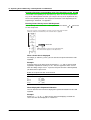
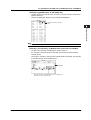
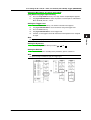
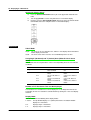
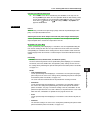
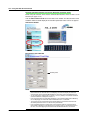
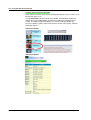
Turn the jog shuttle to move V Cursor1.
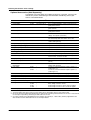
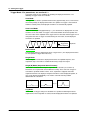
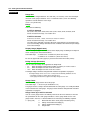
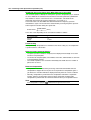
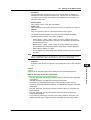
Likewise, move V Cursor2. If the jog shuttle control is set to both V Cursor1 and
V Cursor2, both cursors are moved.
IM 701240-01E