1
Command Descriptions
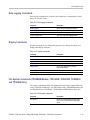
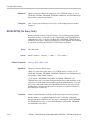
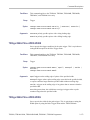
If you do not specify a path to a folder, the TDS2MEM creates the waveform file
in the current working folder. The current folder refers to the name of a folder as
returned by the FILESystem:CWD query.
Examples
SAVE:WAVEFORM MATH, REFB saves the math waveform in stored waveform
memory location REFB.
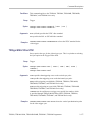
SAVE:WAVEFORM CH1, "A:\PROD-TST\FRQTST03.CSV" saves the channel 1
waveform data to the file FRQTST03.CSV in the folder A:\PROD-TST on the
CompactFlash card (TDS2MEM and TPS2000 Series only), or on the USB flash
drive (TDS1000B, TDS2000B, and TDS2000C Series only).
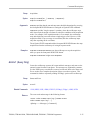
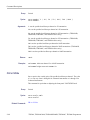
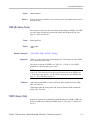
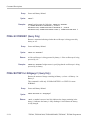
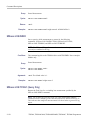
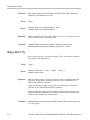
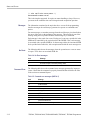
SELect? (Query Only)
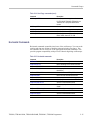
Returns the display status of all waveforms.
Group
Vertical
Syntax
SELect?
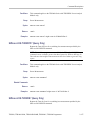
Returns
Examples
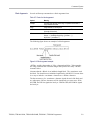
Waveform display status
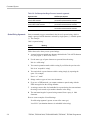
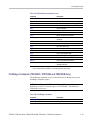
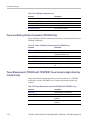
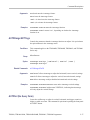
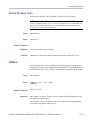
SELECT? returns SELECT:CH1 0;CH2 1;MATH 1;REFA 0;REFB 1, for
2-channel models with CH2, Math and REFB waveforms displayed
SELECT? returns SELECT:CH1 1;CH2 1;CH3 1;CH4 1;MATH 0;REFA
1;REFB 0;REFC 0;REFD 1, for 4-channel models with CH1 through
CH4 displayed, Math disabled, REFA displayed, and REFD displayed.
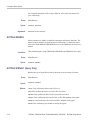
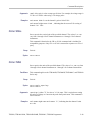
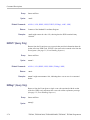
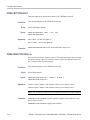
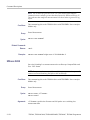
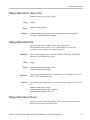
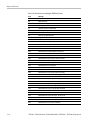
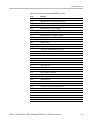
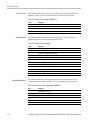
SELect:<wfm>
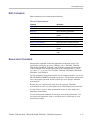
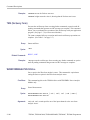
Controls the display of waveforms. This command is equivalent to activating or
deactivating a waveform from the oscilloscope front panel.
2-148
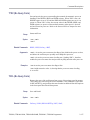
Group
Vertical
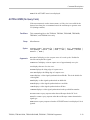
Syntax
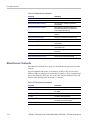
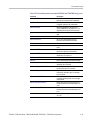
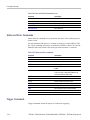
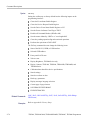
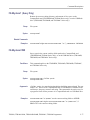
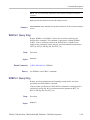
SELect:<wfm> { OFF | ON | <NR1> }
SELect:<wfm>?
TDS200, TDS1000/2000, TDS1000B/2000B, TDS2000C, TPS2000 Programmer