1
TROUBLESHOOTING
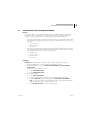
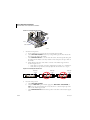
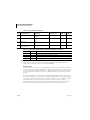
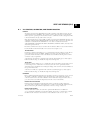
TABLES OF SLIDEMAKER MESSAGES
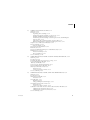
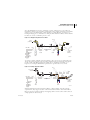
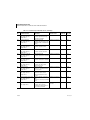
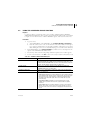
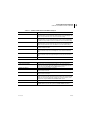
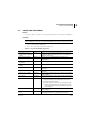
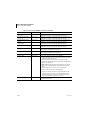
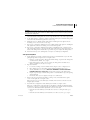
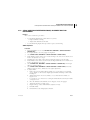
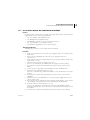
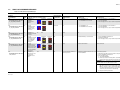
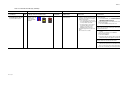
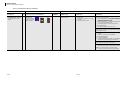
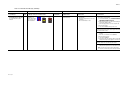
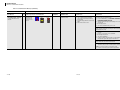
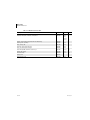
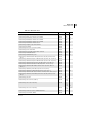
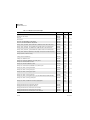
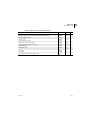
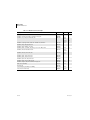
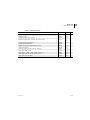
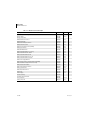
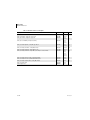
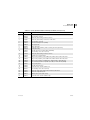
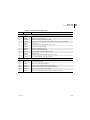
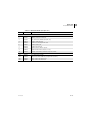
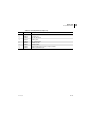
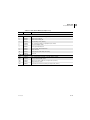
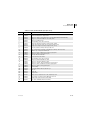
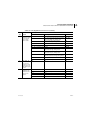
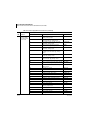
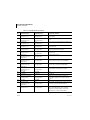
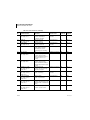
Table 7.2-3 Cassette Error Messages (Continued)
SLIDEMAKER
View Error
Screen Message
WORKSTATION
RCS™ Application
Call Msg/Time
Alarm Log Message and Icons on Command Center
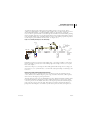
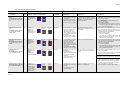
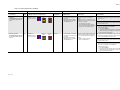
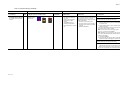
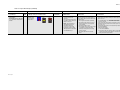
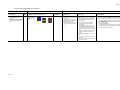
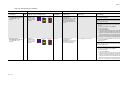
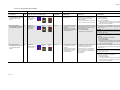
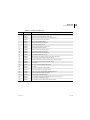
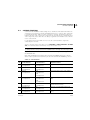
CASSETTE (LOCKED, SENSOR 21) Yes
Internal Message No. and Code:
56, SLIDE CASSETTE LOCKED,
SEN21
SlideMaker Log
SlideMaker Cassette
Locked (Sensor 21).
If AutoStop
is OFF
RECOVERY
If AutoStop
is ON
5/24 hours
SlideMaker Status
Probable Cause
Corrective Action
1. No new samples are aspirated.
2. If the smear truck cannot pick
up a slide to make a smear, the
sample is not used.
A timeout occurred in attempting to unlock
the slide cassette at the slide ejection station.
A locked empty slide cassette cannot be
transferred to the Cassette Output Queue
module.
Note: Press any key on the SlideMaker screen to reset the alarm.
Note: Unused samples are
discarded following reset.
3. Completed smears are dried
and deposited in a slide basket.
4. The SlideMaker stops.
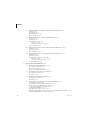
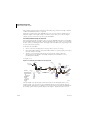
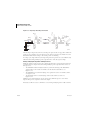
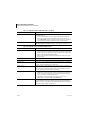
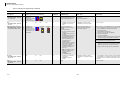
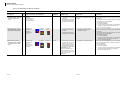
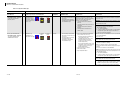
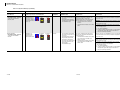
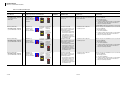
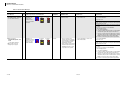
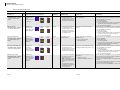
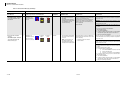
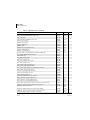
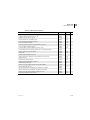
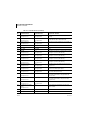
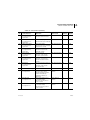
CASSETTE (NO CASSETTE)
Yes
Internal Message No. and Code:
63, NO CASSETTE IN INPUT
QUEUE, SEN28
SlideMaker Log
N/A
If No Cassette Is
Present In The Input
Queue Then Add
Loaded Cassette.
1. No new samples are aspirated.
2. If the smear truck cannot pick
up a slide to make a smear, the
sample is not used.
Note: Unused samples are
r The locking mechanism did not unlock
the slide cassette.
r The cassette locked sensor, SEN21,
failed.
r No slide cassette is available at the
Cassette Input Queue module.
r The cassette present sensor, SEN26,
indicates no slide cassette is present, but
a slide cassette is present.
discarded following reset.
3. Completed smears are dried
and deposited in a slide basket.
4. The SlideMaker stops.
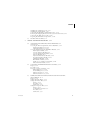
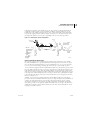
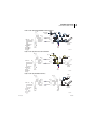
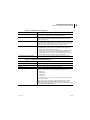
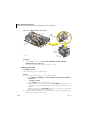
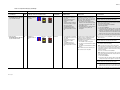
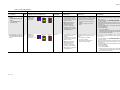
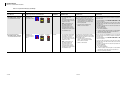
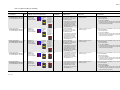
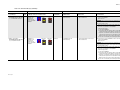
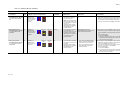
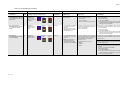
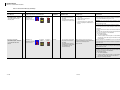
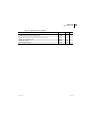
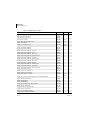
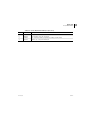
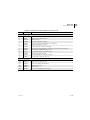
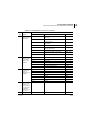
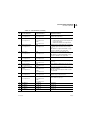
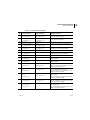
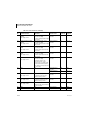
CASSETTE (NOT LOCKED,
Yes
SENSOR 22)
Internal Message No. and Code:
55, SLIDE CASSETTE NOT
LOCKED, SEN22
SlideMaker Log
SlideMaker Cassette
Not Locked (Sensor
22).
If AutoStop
is OFF
If AutoStop
is ON
5/24 hours
1. No new samples are aspirated.
2. If the smear truck cannot pick
up a slide to make a smear, the
sample is not used.
Note: Unused samples are
discarded following reset.
3. Completed smears are dried
and deposited in a slide basket.
4. The SlideMaker stops.
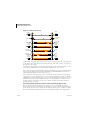
PN 4276985A
1.
2.
3.
4.
5.
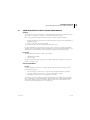
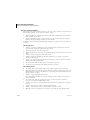
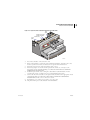
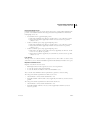
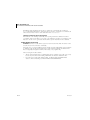
Wait until the last slide in the Dryer module is deposited in a slide basket.
Turn off the SlideMaker.
Remove and reinstall the slide cassette that is in the slide ejector station.
Turn on the SlideMaker.
If the message persists:
a. Turn off the SlideMaker.
b. If AutoStop is ON, turn AutoStop OFF to resume GEN•S System operation.
Samples that require slides appear in the Slide List.
c. Call your Coulter Representative.
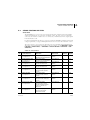
Note: Press any key on the SlideMaker screen to reset the alarm.
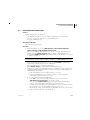
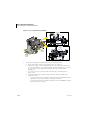
1. If the Cassette Input Queue module is empty:
a. Place a full slide cassette in the Cassette Input Queue module.
b. Reset the SlideMaker.
2. If a full slide cassette is in the Cassette Input Queue module:
a. Wait until the last slide in the Dryer module is deposited in a slide basket.
b. At the MAIN MENU, select ROUTINE FUNCTIONS tt UNLOCK CASSETTE to
unlock the cassette.
c. Remove and reinstall the slide cassette that is in the slide ejector station.
d. Reset the SlideMaker.
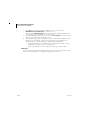
3. If the message persists:
a. Turn off the SlideMaker.
b. If AutoStop is ON, turn AutoStop OFF to resume GEN•S System operation.
Samples that require slides appear in the Slide List.
c. Call your Coulter Representative.:
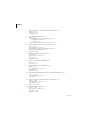
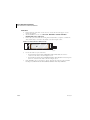
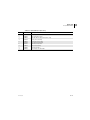
A timeout occurred in attempting to lock a
slide cassette in place for drawing slides.
Slide cannot be ejected from an unlocked
slide cassette.
r The locking mechanism did not lock the
slide cassette in place.
r The cassette unlocked sensor, SEN22,
failed.
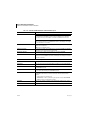
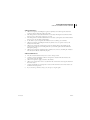
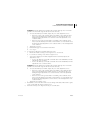
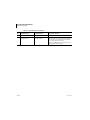
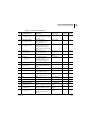
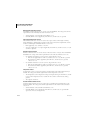
Note: Press any key on the SlideMaker screen to reset the alarm.
1.
2.
3.
4.
5.
Wait until the last slide in the Dryer module is deposited in a slide basket.
Turn off the SlideMaker.
Remove and reinstall the slide cassette that is in the slide ejector station.
Turn on the SlideMaker.
If the message persists:
a. Turn off the SlideMaker.
b. If AutoStop is ON, turn AutoStop OFF to resume GEN•S System operation.
Samples that require slides appear in the Slide List.
c. Call your Coulter Representative.
7.2-9
7