1
Using The Scan Tool
✓
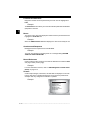
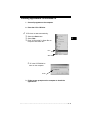
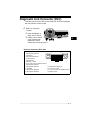
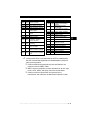
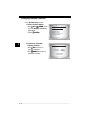
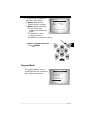
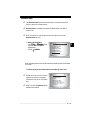
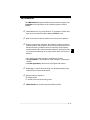
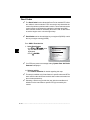
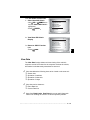
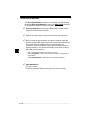
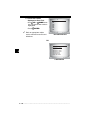
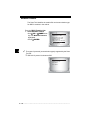
The Playback has frame number
and timestamp (in seconds).
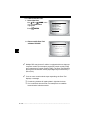
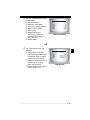
❒ Negative frames and
ENGINE (RPM)
CALC LOAD (%)
MAP (KPA)
COOLANT (F)
LT FTRM1 (%)
ST FTRM1 (%)
VEH SPEED (MPH)
FRAME: 1 TM:
0
0.0
.5
190
0.0
0.0
4
0.5
timestamps indicate data
recorded before trigger event.
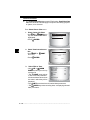
❒ Positive frames and
timestamps indicate data
recorded after trigger event.
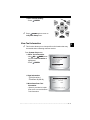
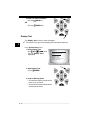
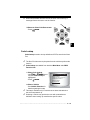
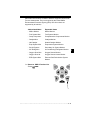
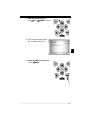
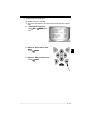
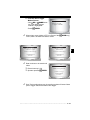
❒ Use UP or
DOWN arrow
keys to view recorded PID data of each frame.
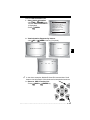
❒ Use
LEFT or
RIGHT arrow keys to scroll back and forth
through frames.
✓
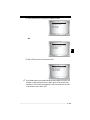
Different vehicles communicate at different speeds and support a
different number of PIDs. Therefore, the maximum number of frames
that can be recorded varies.
✓
Some vehicles wait a long period of time to store a DTC after a
driveability problem occurs. If the operator selected Trigger On Codes
when making a recording, the operator might not see any drastic
change in data parameters before and after trigger point.
3
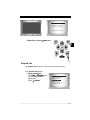
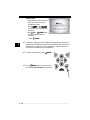
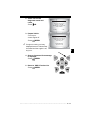
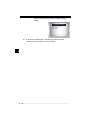
3.Return to Review Data menu.
•Press
BACK.
• • • • • • • • • • • • • • • • • • • • • • • • • • • • • • • • • • • • • • • • • • • • • • • • • • • • • • • • 3 – 17