1
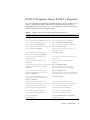
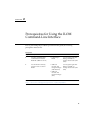
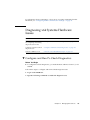
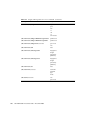
Diagnosing SPARC Systems Hardware
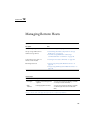
Issues
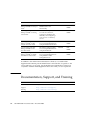
Task
Link
Ensure that the requirements
for configuring and running
diagnostic tests are met
“Before You Begin” on page 136
Configure the system to run
diagnostic tests
“Configure Diagnostics Mode” on page 136
Specify which diagnostic
triggers to activate
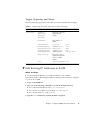
“Specify the Diagnostics Trigger” on page 137
Specify the level of
diagnostics that you want to
execute
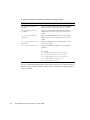
“Specify Level of Diagnostics” on page 137
Specify the verbosity output
of the excuted diagnostic
tests
“Specify Verbosity of Diagnostics Output” on page 138
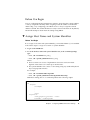
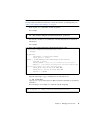
Before You Begin
Prior to performing the procedures in this section, the following requirement must
be met:
■
To configure and run diagnostic tests on a SPARC system, you need the Reset and
Host Control (r) role enabled.
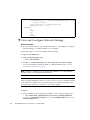
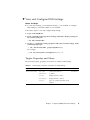
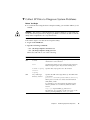
▼ Configure Diagnostics Mode
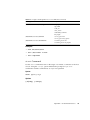
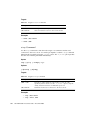
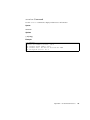
Use the /HOST/diag host mode property to control whether diagnostics are enabled
and to specify which diagnostic mode is enabled.
Follow these steps to configure the diagnostic mode:
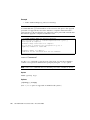
1. Log in to the ILOM CLI.
136
Sun ILOM 3.0 CLI Procedures Guide • December 2008