1
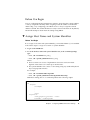
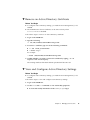
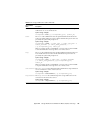
▼ Remove an Active Directory Certificate
Before You Begin
■
To configure Active Directory settings, you need the User Management (u) role
enabled.
■
The Authentication Server Certificate can be removed only when
strictcertmode is disabled.
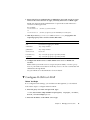
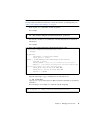
Follow these steps to remove an Active Directory certificate:
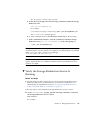
1. Log in to the ILOM CLI.
2. Type the following:
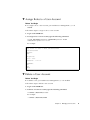
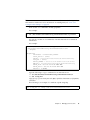
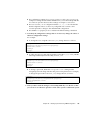
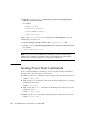
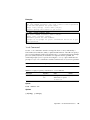
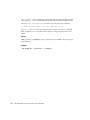
-> cd /SP/clients/activedirectory/cert
3. To remove a certificate, type one of the following commands:
■
-> set clear_action=true
■
-> reset <target>
For example:
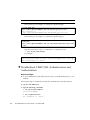
-> reset /SP/clients/activedirectory/cert
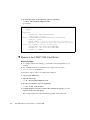
4. Confirm whether you want to remove the certificate by typing y or n in
response to the on-screen query.
The existing certificate file that had been uploaded will be removed.
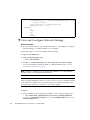
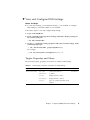
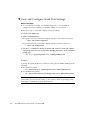
▼ View and Configure Active Directory Settings
Before You Begin
■
To configure Active Directory settings, you need the User Management (u) role
enabled.
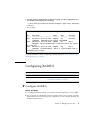
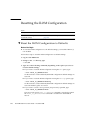
Follow these steps to view and configure active directory settings:
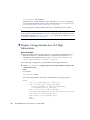
1. Log in to the ILOM CLI.
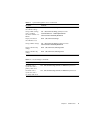
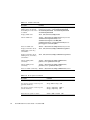
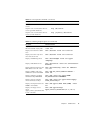
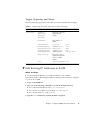
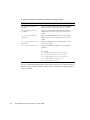
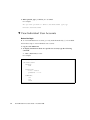
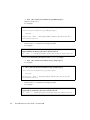
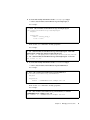
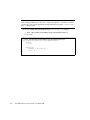
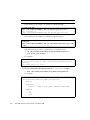
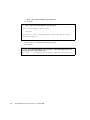
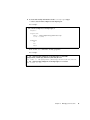
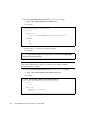
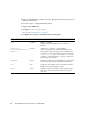
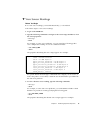
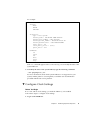
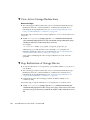
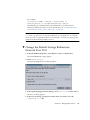
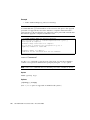
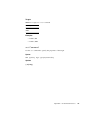
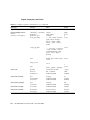
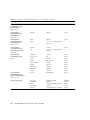
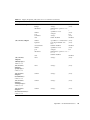
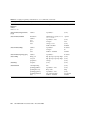
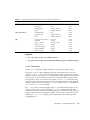
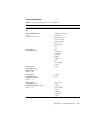
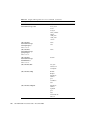
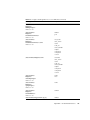
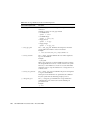
2. Use the show and set commands to view and modify properties.
■
To view and modify information in the admingroups target:
Chapter 5
Managing User Accounts
49